
ShareGate is a migration tool that simplifies and speeds up transfer processes, allowing you to migrate directly to the latest version of SharePoint or Microsoft 365, without downtime. Well known and widely used in the Microsoft collaboration platform community, ShareGate is considered to be one of the most reliable and easy-to-use migration tools. Common use cases include the need to quickly move to SharePoint, upgrade directly to the latest available version, or migrate file shares directly within the SharePoint environment. In this article, we'll take a closer look at what ShareGate is, what are its main features and what are the benefits that distinguish it.
.png)
Reducing costs in IT systems and keeping up to date in a supported state are the main driving forces in decisions related to migrations to new platforms in organizations. There are companies that typically work on network file shares and wish to migrate from these to a modern collaborative platform such as SharePoint.
There are also companies that already have SharePoint in use but want to switch to Office 365 or upgrade to the latest version of SharePoint. Migrations are complex and must be properly planned and strategized, both with an internal IT department and through consulting with industry experts in SharePoint.
To facilitate the transfer of content to the latest version of SharePoint or Microsoft 365, whether coming from an existing SharePoint environment or from a file share, organizations need a migration tool that allows content to be easily moved.
ShareGate is one of those tools. Easy to use and affordable, the tool can help migrate critical business data from one platform to another, as part of a company's transition and divestment phase.
Among the most used tools for migrating data to and within SharePoint environments, ShareGate may be the tool you were looking for to guarantee your digital assets the most efficient and secure migration process possible. It is also one of the most used and appreciated tools in the Dev4Side expert toolkit. So let's see in the next sections to understand together what it is and how it can help us.
But first, let's take a quick look at it.
Data migration to SharePoint is the process of transferring data, configurations, and functionality from an existing SharePoint environment (such as a legacy or on-premise version) to a new environment, such as SharePoint Online or another updated version of the Microsoft 365 platform.
In this process, various elements are involved that constitute collaboration or communication sites, such as the extranet or the corporate intranet. Among these elements we find:
It's not just about moving files from one place to another, but it represents an opportunity to transform the way an organization manages, organizes and accesses its data.
The right tools and services can simplify the migration process and ensure that it is adapted to the specific needs of your organization. Understanding the options available is essential to build an effective and tailored SharePoint migration strategy.
Choosing the right tools and support, your team can switch to SharePoint (or upgrade their SharePoint environment) without interruption, creating an efficient and productive workspace that fosters future growth.
And although the great SharePoint Migration Tool provided by Microsoft always remains a solid solution, often you may need slightly more versatile tools, especially when it comes to large scale migrations that can take a lot of time and present complexities that the tool provided by the Redmond company may not be able to handle in detail.
And that's where ShareGate comes in.
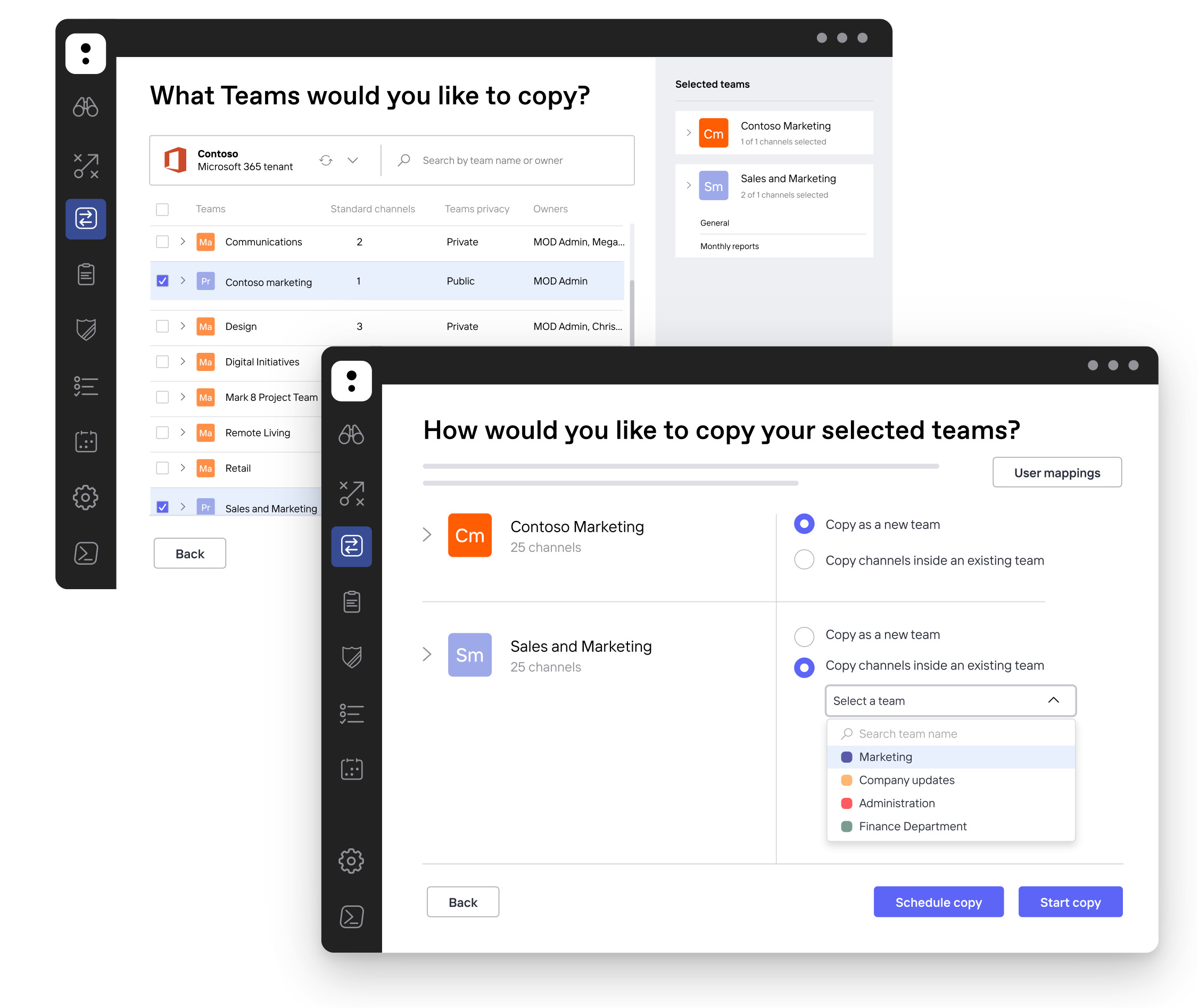
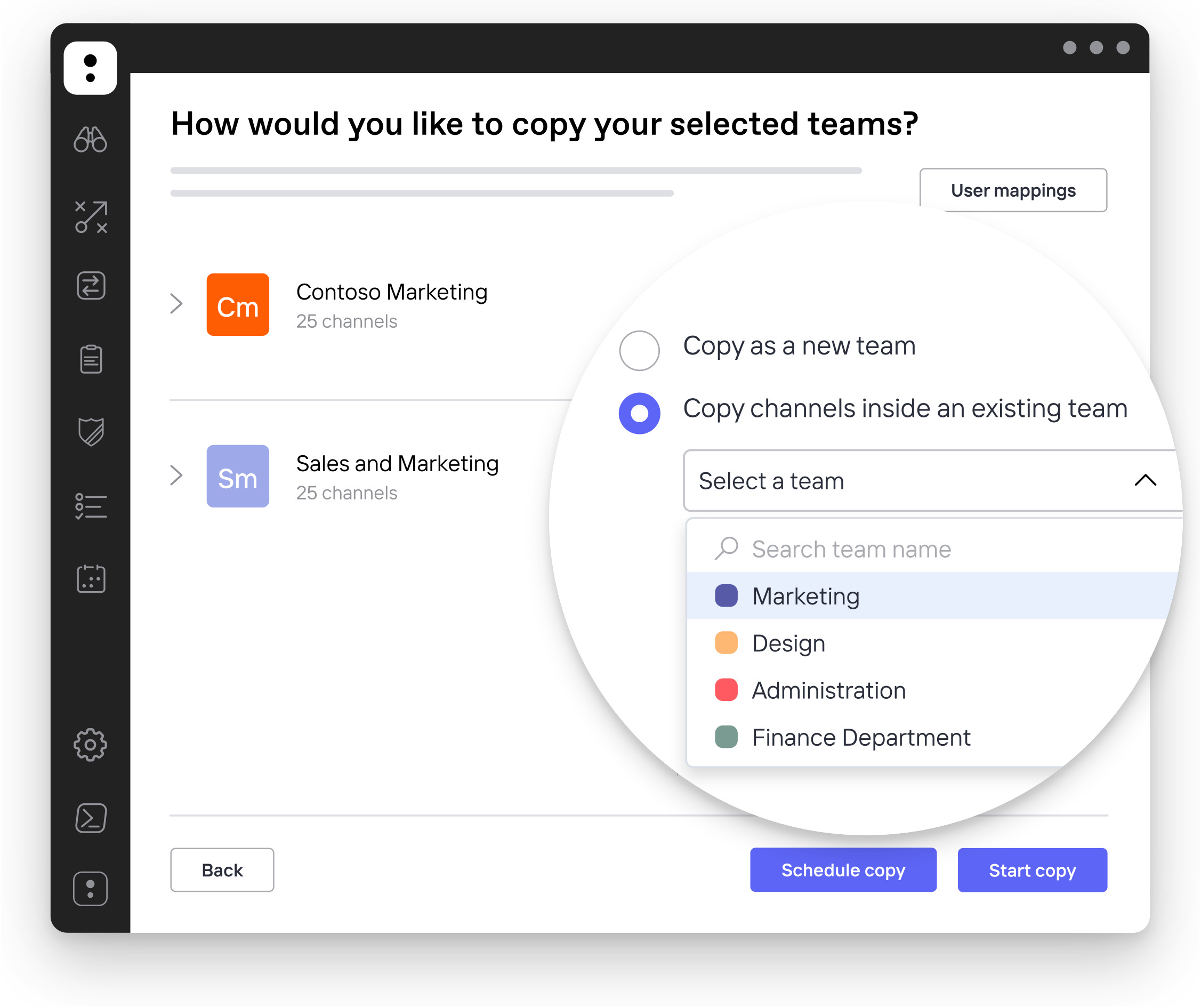
ShareGate is a software designed to facilitate and speed up the migration of data and content to SharePoint and Microsoft 365. Thanks to an intuitive interface and advanced features, it allows you to transfer information securely, efficiently and without operational interruptions, also supporting direct updates to the most recent versions of the platform.
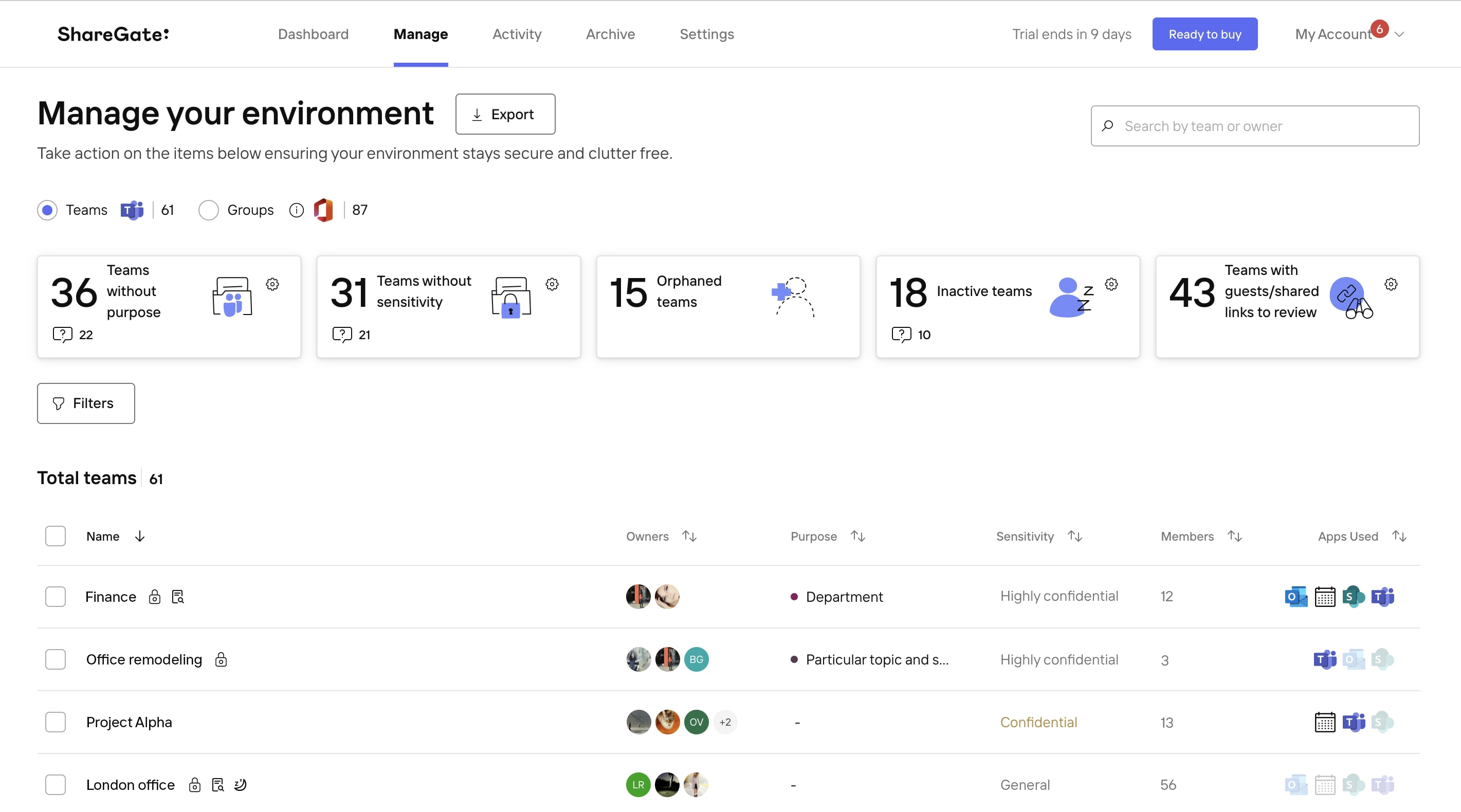
In addition to migration, ShareGate offers tools for managing and monitoring content, making it a complete and reliable solution highly appreciated in organizations that use the Microsoft ecosystem.
The software allows smooth migration processes between the same and different versions of SharePoint and offers unlimited data migrations and an easy-to-use software interface. The possibility of training users within organizations on how to perform SharePoint migrations using the tool is also available, to ensure continuous benefits and maximize the value of the investment in the product.
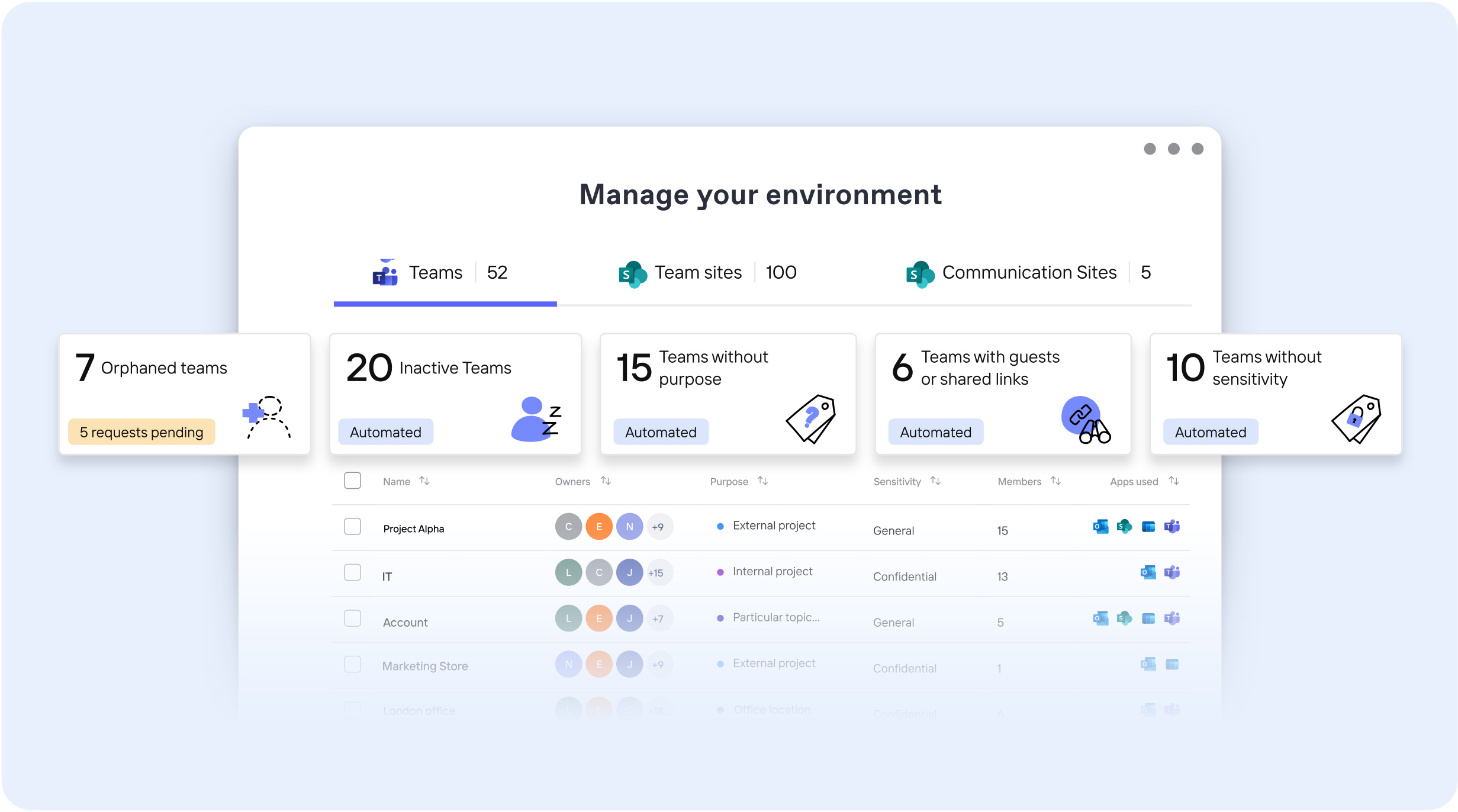
The main reason to choose ShareGate is its ease of use: there are no limits to the amount of data that can be migrated, it allows organizations to save time while transferring content to SharePoint and it is recognized as one of the leading migration tools in the industry.
In addition, ShareGate now offers the ability to perform migrations of both SharePoint and Nintex through the licensed product ShareGate for Nintex.
In the table below, we have listed some of its key characteristics to better understand the functionality made available to users:
The 'Insane mode' is a setting in ShareGate Migrate that allows you to migrate or import content and objects more quickly. It can be used both in on-premises environments and in Microsoft 365.
This mode uses Microsoft's Migration API to move larger volumes of data. This process also helps to reduce throttling in the Microsoft 365 tenant.
In practice, it allows ShareGate Migrate to send files to Azure quickly, where the Microsoft Datacenter correctly repositions them in the source environment. Since everything is hosted in the cloud, the impact on resources is minimal. The Migration API uses the Azure storage included at the destination to facilitate the content transition.
For an on-premises migration, Insane mode allows data to be acquired at a higher speed than Normal mode, so, while generating an impact, this remains contained as long as the Server Extension is installed (which reduces the number of calls for each operation).
In on-premises environments, Insane mode uses the Server Extension (version 1.8.3 or higher) on the target server to improve performance and speed of migration.
A migration in Insane mode to Microsoft 365 or SharePoint can be particularly advantageous for content-only copying procedures. When copying structure and content, site objects (with some exceptions) are recreated with the correct settings at the destination. The impact is reduced if most of the content is structural. Having the Server Extension properly installed always reduces the chance of problems.
We created intranet.ai, which now has over 200 installations worldwide. It is the complete and customizable solution for digitizing the processes and communication of any company.
Our experts will help you:
Get in touch if you're considering an intranet project using SharePoint Online.
Now that we have a general idea of ShareGate's features, it's time to take a look at the two main offerings for the tool, namely Essentials and Pro.
ShareGate Essentials is a migration solution designed for organizations that need to transfer less than 1 TB of data from on-premises SharePoint environments or legacy Microsoft 365 tenants to a new Microsoft 365 environment.
The software is installed on a single computer (workstation or server) and cannot be used simultaneously on multiple devices. This means that all migrations take place sequentially and cannot be performed in parallel on multiple machines.
Essentials is suitable for basic migration projects with low complexity, such as organizations that need to migrate individual SharePoint sites, Teams structures, or OneDrive data, and that don't require parallel migrations or advanced governance features.
ShareGate Pro is a migration solution designed for organizations that need to transfer 1 to 5 TB of data from on-premises SharePoint environments, legacy Microsoft 365 tenants or Exchange Online to a new Microsoft 365 environment.
Unlike Essentials, the software can be installed on up to five computers simultaneously, allowing parallel migrations and significantly reducing migration times.
Pro is designed for medium-high complexity migrations, such as organizations that need to transfer large SharePoint sites, Microsoft Teams environments, OneDrive data and Exchange mailboxes, also requiring governance tools for the long-term management of IT security and compliance.
Organizations that need to transfer large volumes of data quickly, migrate multiple workloads at the same time or establish secure and compliant IT management over time will therefore benefit greatly from the Pro version.
But there are other additional key differences as well. Let's look at them in more detail.
ShareGate Essentials only supports file and data migration and does not include mailbox migration.
With ShareGate Pro, however, it is possible to migrate Exchange Online mailboxes between Microsoft 365 tenants, including emails, calendars and contacts.
This extended functionality is especially relevant for organizations that are facing mergers, acquisitions, or restructurings, where business-critical email communication must be transferred smoothly and without interruption.
Migrating to Microsoft 365 or SharePoint is only the first step. After the migration, the new environment must remain structured, secure, and compliant. Without clear policies, you risk unauthorized access, data loss, or regulatory violations. ShareGate Essentials does not include governance tools.
Only ShareGate Pro offers ShareGate Protect to support essential governance functions:
Organizations that need to migrate quickly to SharePoint and 365 benefit from a higher return on investment (ROI) since, with ShareGate Pro, the process is more efficient because parallel migrations significantly reduce migration timelines and less manual remediation work is required after the migration. In addition, mailboxes are transferred without interruption, avoiding data loss and downtime, and there are fewer errors and delays thanks to automated processes and governance tools.
ShareGate is, as we have seen, an incredibly versatile and useful tool for medium and large scale operations, but it is in the hands of experienced professionals that this tool can truly express its full potential.
What kind of professionals? Those from Dev4Side for example.
With more than fifteen years of experience in the business software sector and a catalog of more than 50 vertical applications for Microsoft SharePoint, we are the best supplier you can find in Italy for projects based on SharePoint Online for intranet and extranet.
Dev4Side Software has launched the best corporate intranet (intranet.ai), with more than 200 installations around the world and with more than 50 vertical apps, ready to use for the main business needs.
Regarding the migration aspect, our professionals will be at your disposal to facilitate the transition of your intranets and knowledge base to SharePoint, with the aim of optimizing infrastructure and management costs, as well as maximizing the use of the advanced collaborative features offered by the Cloud platform.
We deal not only with the intranet, but also with the transition of file shares and complete tenants, including Teams and Mailbox, ensuring a fluid and efficient management of all corporate digital assets.
Our expertise with the main software used for data migration to SharePoint, including ShareGate, gives us the opportunity to adapt to projects with the most varied scopes and dimensions and we have collaborated both with small-medium businesses and with international clients such as companies of the caliber of MSC Cruises.
So if you are looking for a professional, competent partner with a long experience in the sector to help you with your migration projects, Dev4Side could be the right solution for you. And if you want the facts to speak, you can find hither the case studies of our best projects, drawn up by the same experts who followed them.
Data migration to SharePoint is a process that is only apparently simple, which hides pitfalls and unforeseen events of all kinds, especially if they are migrations of a large size such as those of a well-established small-medium business or a large organization.
This is why it is necessary to rely on the best tools available on the market to be able to implement our migration plans as effectively as possible and ShareGate undoubtedly falls into the category.
The Workleap tool in the hands of experienced professionals (such as those of Dev4Side) can, thanks to its wide range of features and its extreme versatility, really make the difference between a successful data migration process and a possible disaster that in the best of cases will only consume your time and your human and economic resources.
1) What is ShareGate and what is it used for?
ShareGate is a software solution that helps migrate data and content to SharePoint and Microsoft 365 securely and quickly, with a simple interface and advanced features to manage and control the entire process.
2) Can ShareGate migrate without downtime?
Yes. The goal is to run migrations without operational interruptions, minimizing the impact on users and enabling a gradual transition to the target environment.
3) Which scenarios does ShareGate cover?
It is commonly used for: migrating from SharePoint on-premises to SharePoint Online, upgrading between SharePoint versions, migrating from file shares to SharePoint/Microsoft 365, and consolidating Microsoft 365 environments.
4) What does a “complete” SharePoint migration include?
Not just files: typically, it includes migrating site structure, lists and libraries, documents and metadata, permissions and security configurations, as well as components and customizations (depending on the scenario).
5) Is ShareGate suitable for large scale migrations?
Yes. It is designed for large data volumes thanks to features such as unlimited data migration, acceleration modes, and pre- and post-migration reporting.
The Modern Work team specializes in developing and integrating custom solutions across the entire Microsoft 365 ecosystem. We design native applications for Microsoft and Azure platforms, and we implement business processes that maximize the return on investment in Microsoft 365.


