
Workflow automation helps you streamline repetitive processes by connecting apps and automating manual tasks such as approvals, notifications, and data entry. Without it, teams waste hours on low-value work, experience communication issues, and face delays in delivering projects. Of course, to achieve this level of operational efficiency, it is necessary to first adopt the right software for business automation and only then the foundations can be laid for sustainable, scalable digital innovation capable of increasing return on investment (ROI). In this article, we will explain everything you need to know about business automation software, and then compare the main platforms on the market and reveal our choice to you.
.png)
Every growing business reaches a point where spreadsheets, sparse emails, and manual workflows are no longer enough. Things are starting to get out of hand. Teams spend more time understanding how to work than actually doing the work. That's when you realize: it's not just about working hard, but about having smarter processes.
Business process automation uses technology and tools to streamline and automate recurring activities or processes that companies usually manage manually. Automate repetitive processes that involve multiple steps using IT management systems.
This speeds up the process and ensures a precise and consistent execution of each step. Whether it's automating ticket creation, directing requests to appropriate teams, or generating regular reports, automating business processes improves the overall efficiency of the IT service by reducing manual effort.
When three hours a day dedicated to repetitive tasks consume their team's energy, these platforms manage complex, multi-phase processes that can make a difference for growing companies. They require larger investments, but they deliver results on an enterprise scale.
But in such a crowded market and with little time available to learn everything there is to know, making the right choice for your company can become complicated.
But don't panic, let's start at the beginning.

“Business Automation Software” is an umbrella term that encompasses several categories of tools, including: business process automation (BPA), robotic process automation (RPA), and workflow automation.
Although these platforms have some minor differences, they all allow organizations to transform manual tasks into semi-automated or fully automated processes.
In this way, companies can reduce common human errors, such as typos during data entry, and improve data quality leading to valuable insights and more accurate business decisions. They can also eliminate tedious tasks, increasing employee engagement and satisfaction, and improve efficiency by streamlining processes, delivering faster and more convenient services to customers and users.
Unlike many older tools, modern automation platforms are generally low-code and require minimal development support. This gives both technical and non-technical users the ability to easily create automated workflows, electronic forms, and applications.
The best business process management software is therefore designed to help organizations streamline operations, improve efficiency, and ensure consistent workflows.
Automating specific business processes can significantly improve efficiency and accuracy. Identifying which processes to automate is essential to ensure effective and targeted intervention.
Here are the critical business processes ideal for business process automation (BPA):
When evaluating the best business process management (BPM) software, we must focus on several key characteristics to determine its effectiveness in streamlining workflows and improving operational efficiency.
What are these characteristics? Let's see it right away:

Dev4Side Software specializes in creating business apps with Power Apps, drastically reducing internal application development and maintenance processes.
Operating vertically across the entire Microsoft Power Platform ecosystem, we have developed extensive expertise in Power Apps, which allows us to offer custom-designed and fully integrated solutions within your Microsoft 365 tenant.
Contact us to transform business information into concrete actions.
Companies that implement intelligent process automation tools today are building operational advantages that accumulate over time. Speed and accuracy become competitive differentiators when automation eliminates friction from critical business processes.
Success comes from choosing tools that fit your specific situation, rather than following generic practices. Let's start with our biggest operational pain point, choose the tool designed to solve that very problem, and then expand from there.
Well, that sounds easy, doesn't it? In reality, things are more complicated, and when it comes to deciding which business automation platforms to implement, you are faced with a lot of different options.
So let's take a moment to learn more about some of the main players in the market (except one, which we'll talk about in the next section) and see what they have to offer us.
Kissflow is a platform low-code/no-code designed to facilitate the management of approval workflows, internal requests, and customized workflows within teams and companies. It offers a simple and accessible graphical interface, with predefined modules, integrated notifications, and the ability to define roles, approvals and automations without technical intervention.
The focus is clearly on non-IT team and SMES who are looking for quick implementation and a certain degree of operational visibility.
However, Kissflow presents different structural limitations: the customization possibilities are lower than more mature BPM platforms. The logic of flows, although accessible, It does not lend itself to complex scenarios nor to robust integrations with external systems.
Even the interface performance and the backend are not always consistent, especially when volumes of data or users increase. The basic plan, in addition, does not include external users nor advanced security features, making it less suitable for open business ecosystems or for environments with specific regulatory needs.
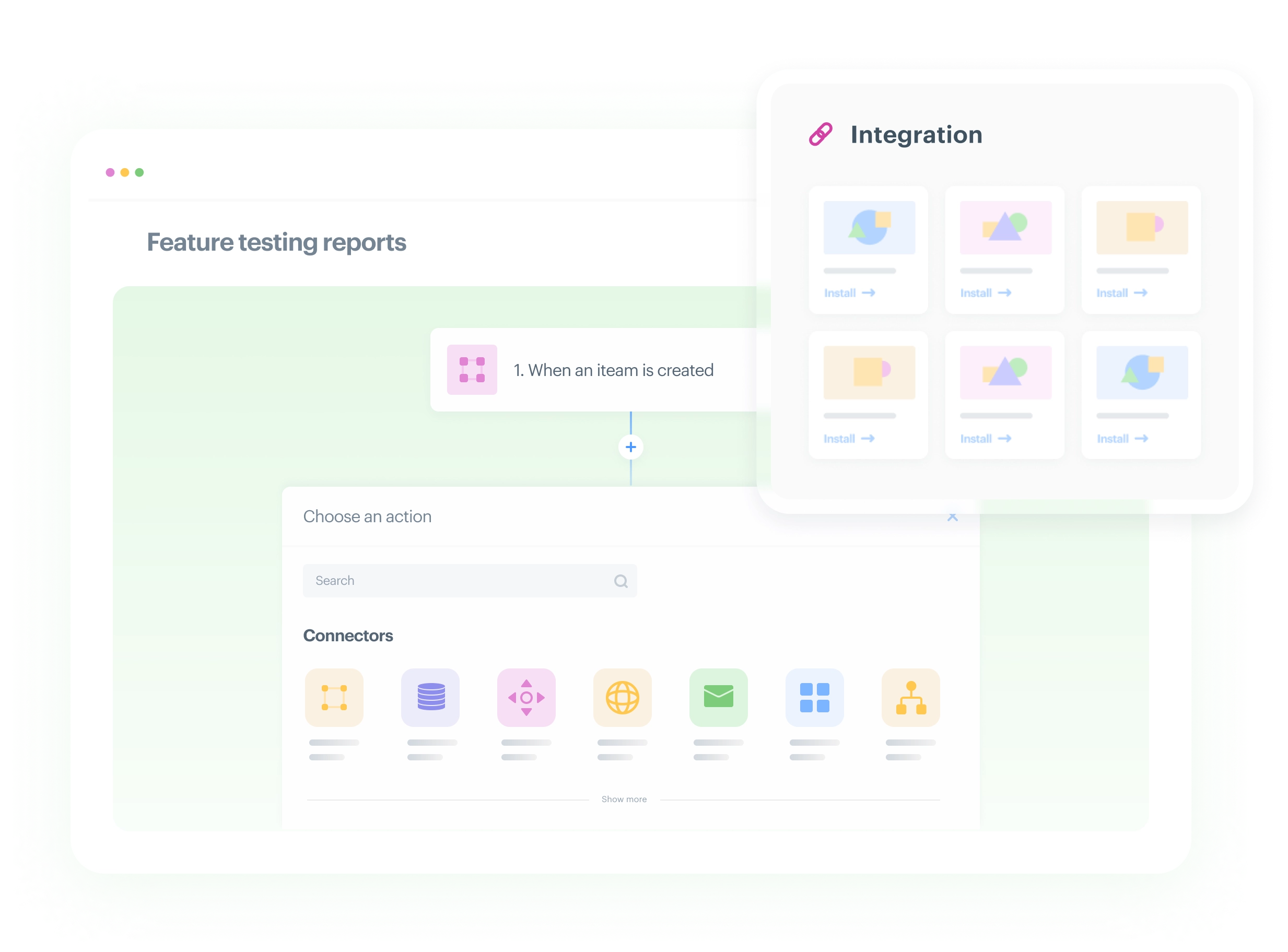
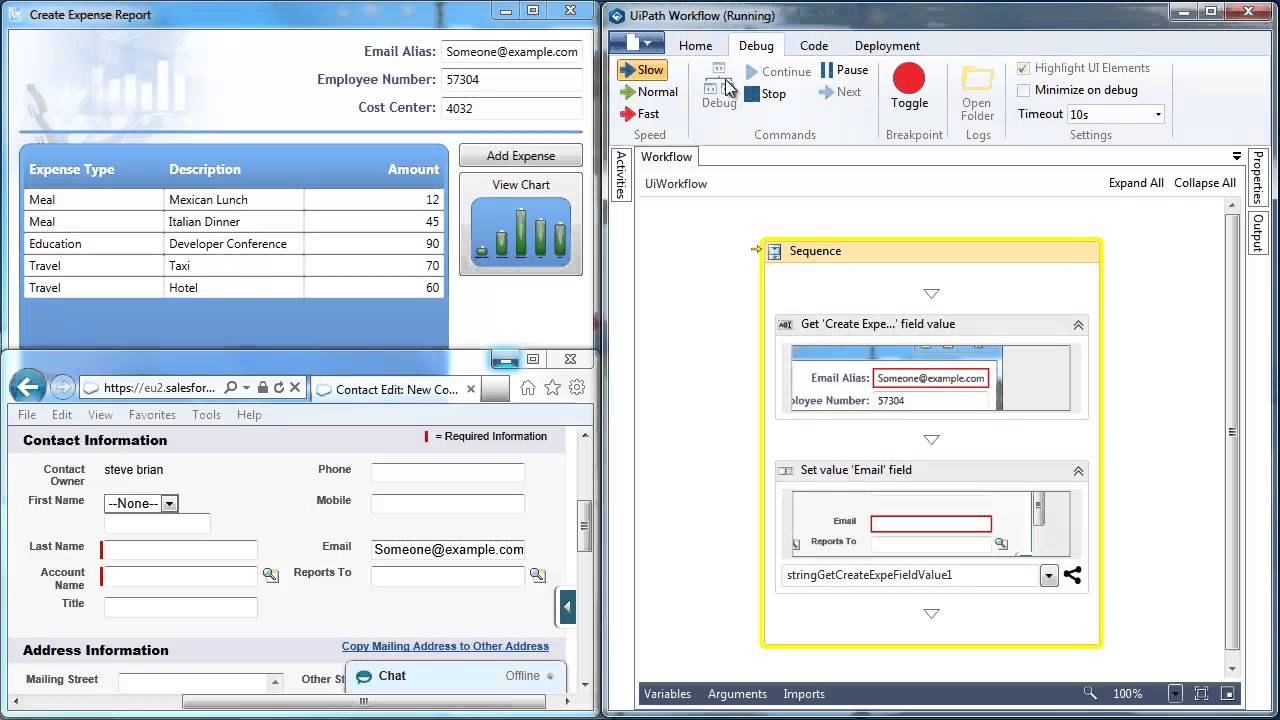
Zapier is a platform No-code that allows you to create automations among more than 7,000 cloud applications, such as Gmail, Slack, Trello, Salesforce, and hundreds of other SaaS tools. It works through simple “trigger—action” rules (the so-called Zap), ideal for connecting web services without writing code. Its interface is very intuitive and allows you to create even complex automations thanks to conditional filters, logical paths, and data formatters.
Despite the ease of use, Zapier presents obvious structural limitations: it is not suitable for on-premise environments or for complex business processes. The dependency on third-party APIs may generate silent errors or malfunctions if application-side conditions change.
Free or basic plans are strongly limited in the number of tasks and steps, and the costs are increasing nonlinearly with the expansion of flows or the use of premium features. In addition, professional monitoring tools are missing, making it difficult to diagnose in production environments.
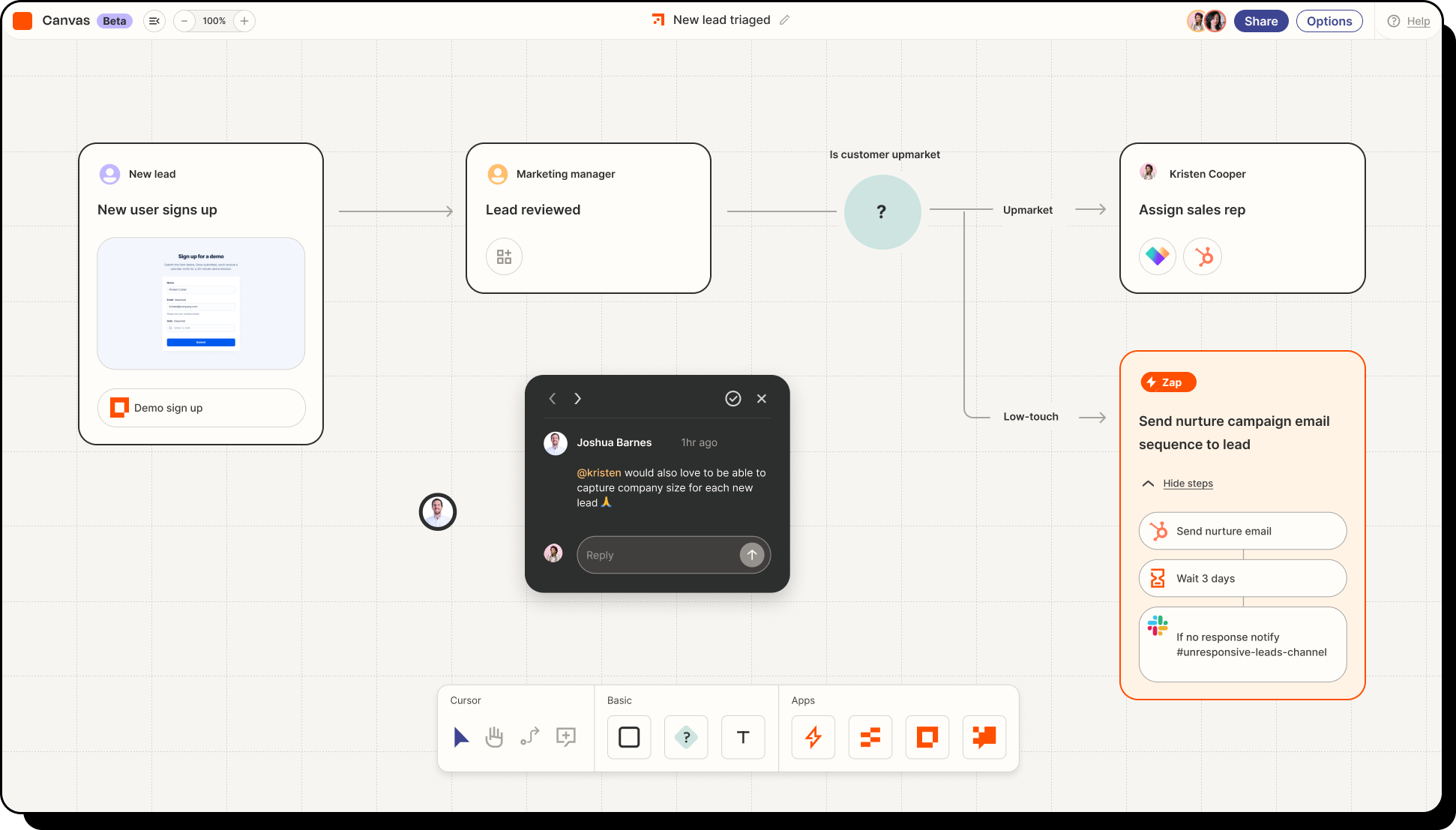
UiPath is a platform of Robotic Process Automation (RPA) oriented to the automation of repetitive and complex tasks, often linked to legacy systems or desktop applications. It offers a visual development environment through the 'Studio' tool, accompanied by advanced features such as the integration of artificial intelligence for document recognition and semantic processing.
It is widely used in enterprise environments, especially where processes cannot be easily integrated through modern APIs.
However, the learning curve is quite steep, especially for non-technical users. The bot maintenance can be costly in dynamic environments where application interfaces change frequently. In addition, the license model may prove to be expensive and not very transparent for medium-sized or growing companies. Some users also report problems with stability and operational slowness, especially in processes with multiple UI interactions.
Those in the previous section were just some of the most used tools at the time for business automation, but they are certainly not the only ones. We mentioned that we didn't mention one of them and that's what has become our preferred solution for automating business processes.
In fact, in our journey we have experimented with many different automation technologies and despite the wide and varied offer on the market, even today we have not found a more versatile and complete solution than Microsoft Power Automate.
Included in Microsoft's wider offering Power Platform, Power Automate offers a 360-degree automation platform, integrating sophisticated capabilities in digital process automation (DPA), robotic process automation (RPA) and process analysis, thus responding to a wide range of automation requirements.
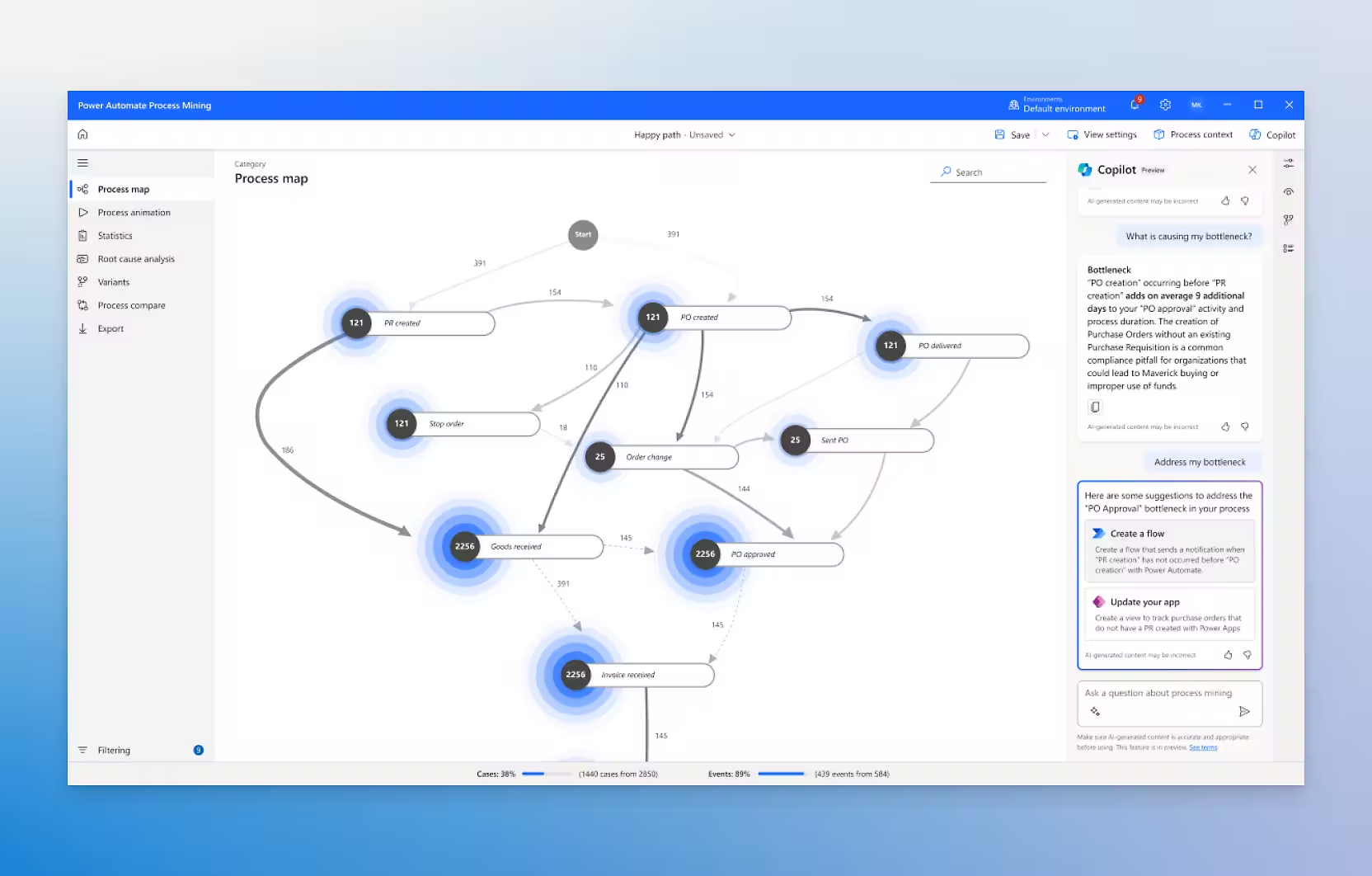
The tool provides users of all skill levels with low-code AI tools, making it easy to include advanced functionality in their automated processes. By optimizing the creation of intelligent workflows, Power Automate significantly increases user productivity, and its preconfigured connectors allow users to easily build efficient workflows, both for managing individual tasks and for fluidly connecting complex and large systems.
These secure workflows take advantage of cloud-based capabilities, including data loss prevention and identity and access management services, to ensure robust protection. Using integrated artificial intelligence, Power Automate transforms monotonous manual tasks into automated processes, thus allowing users to focus their attention on strategic and high-impact business opportunities.
Power Automate is automatically enabled in all Microsoft 365 applications and includes about 150 standard connectors. For those who want to expand their automation possibilities, it is also possible to purchase around 150 premium connectors for more advanced needs.
As an advanced integration platform, Power Automate then makes it easy to connect with more than 1,000 data sources. This extended support includes well-known services such as Google Sheets, X, Dynamics 365, SharePoint, Salesforce, and OneDrive.
Power Automate has been the reference choice for us since its first introduction, but the latest addition to Microsoft's newest addition to the automation of tasks and business processes also deserves a special mention.
We are obviously talking about Copilot, the Redmond AI digital assistant that in recent years has carved out a prominent place in the fierce generative artificial intelligence market.
With the advent of artificial intelligence, workflow automation in the business environment is experiencing significant growth, once again redefining the way of working in any field and sector, and Copilot promises to bring workflow automation processes into the future, both through the integration of the “co-pilot” with tools such as the one mentioned above. Power Automate, both with its new features, such as Agents and the Copilot Actions.
Through the combination of Copilot and Power Automate, users can now take advantage of advanced artificial intelligence capabilities to improve their automation processes, and Copilot will assist in creation, management and optimization of Power Automate flows providing intelligent suggestions, automating repetitive tasks and offering insights to improve efficiency.
This integration not only simplifies the automation experience, but it also allows you to obtain more results with less effort, making it a valuable tool for beginners and advanced users alike.
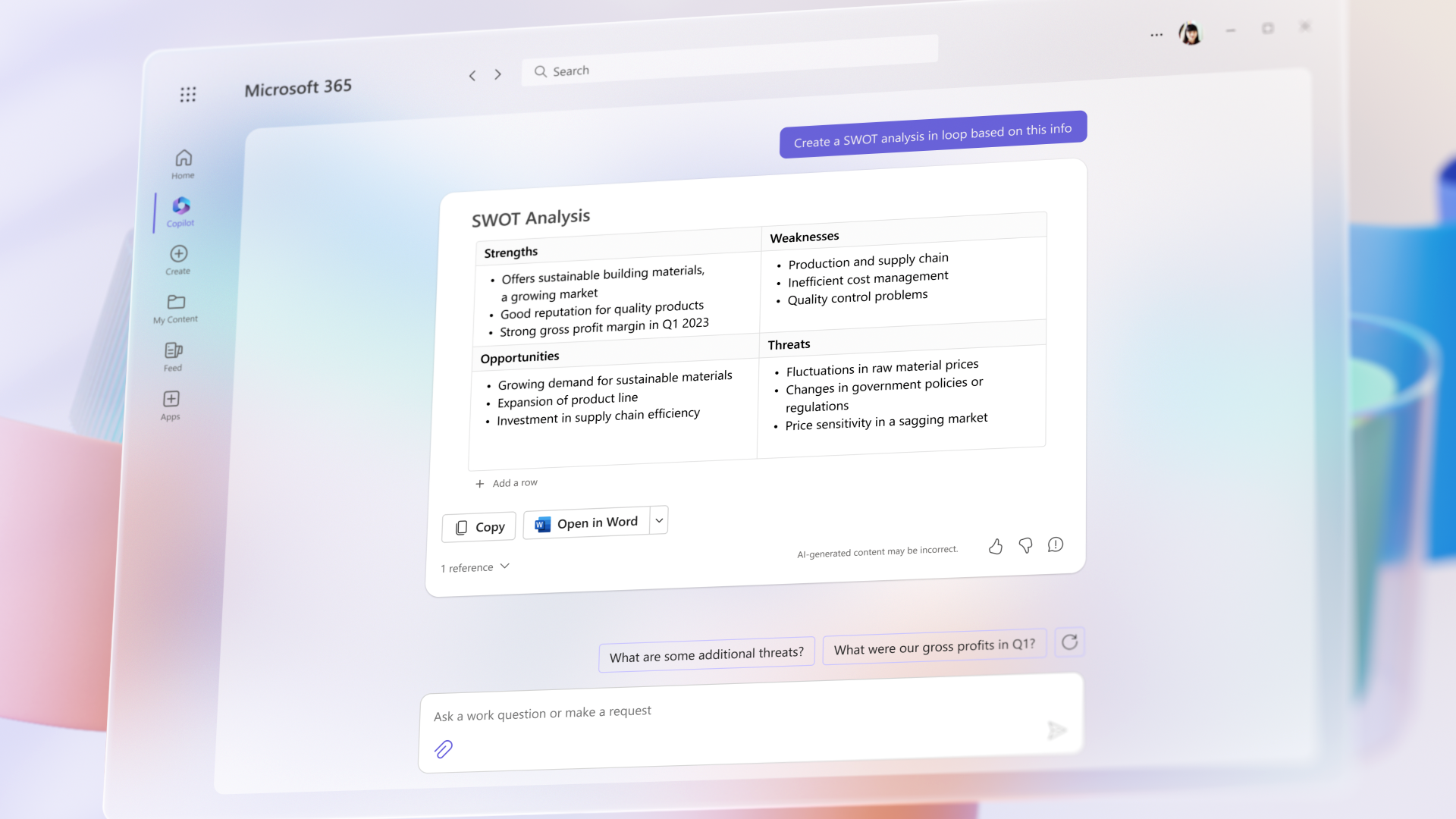
And if we need something that goes a little beyond the normal functionality of Power Automate, then autonomous agents come into play in Copilot Studio: the next generation automation solution that does not just follow rules, but thinks, learns and optimizes itself over time. This AI-based innovation transforms the way businesses operate, unlocking new levels of productivity, efficiency and insight.
Let's imagine a system that not only executes its instructions, but also understands business objectives, makes decisions in real time and continuously improves thanks to data analysis. Autonomous agents are AI-based programs that operate independently, managing complex business processes with minimal human intervention.
Unlike static workflows, based on predefined logic, these agents adapt to changes, recognize patterns and even predict needs, making them extremely powerful in dynamic business environments.
Agents redefine what can be done with automation, performing multi-step, decision-driven actions. Unlike basic workflows, which perform a fixed set of steps, agents adapt their actions based on real-time feedback and business needs.
But suppose we need something smaller, dedicated to more repetitive tasks where a high degree of adaptability is not necessary and for which an autonomous agent would be wasted time and resources. In this case, we can rely on Copilot Actions.
This is the new name of the old Copilot 'plugins', which now aim at smaller and more targeted integrations within the entire work environment, in order to simplify and streamline employee workflows through the automation of the simplest tasks and where the request for human intervention is minimal.
And as for the future, in the remaining months of 2025 and for 2026 Microsoft has already announced many expansions and updates dedicated to its' co-pilot 'that will continue to significantly extend its already significant task automation capabilities.
Automation has slowly become the future of work in companies of any sector and size in recent years, and the trend shows no sign of decreasing even a little.
Therefore, it is very important not to fall behind what is, for all intents and purposes, one of the greatest transformations in the workplace since the introduction of the first computers and, to avoid costly and painful experiments, it is important to immediately choose the best tool that can guarantee maximum ROI in the shortest possible time.
Tools such as Power Automate and Copilot in our experience have proved to be winning choices for our customers in this regard and that have guaranteed quick, efficient and painless implementations for all those who have had to get used to a new way of working that is easier and more productive than ever.
Curious to know more? Why not check out our services page, then?
1) What is Business Process Automation (BPA)?
BPA is the automation of recurring business processes (approvals, notifications, data entry, ticketing, reporting) to reduce manual work, errors, and execution time.
2) BPA, RPA and workflow automation: what's the difference?
Workflow automation automates steps and approvals between people and apps (often via APIs). BPA governs end-to-end processes with rules, roles, traceability, and metrics. RPA automates actions on user interfaces (desktop/legacy apps) when APIs are not available.
3) What signs indicate that an automation tool is needed?
When workflows rely on scattered emails, Excel spreadsheets, untracked manual steps, recurring delays, approval bottlenecks, and duplicated data.
4) Which processes should you automate first?
Typically, start with high-volume, time-sensitive activities involving multiple stakeholders, requiring traceability (audit/compliance), or “long-tail” tasks (recurring deadlines and periodic checks).
5) How do you choose the best BPA tool for your company?
Evaluating: process modeling, automation and task management, collaboration, reporting/KPIs, integrations (native/API), scalability, security/permissions, environments (dev/test/prod), and governance.
The Modern AI Apps team responds swiftly to IT needs where software development is the core component, including solutions that integrate artificial intelligence. The technical staff is trained specifically in delivering software projects based on Microsoft technology stacks and has expertise in managing both agile and long-term projects.


