
Asana and Microsoft 365 Integration for Internal Requests
How we integrated Asana with Microsoft 365 — Forms, SharePoint and Power Automate — to manage internal communication requests for more than 5,000 users.
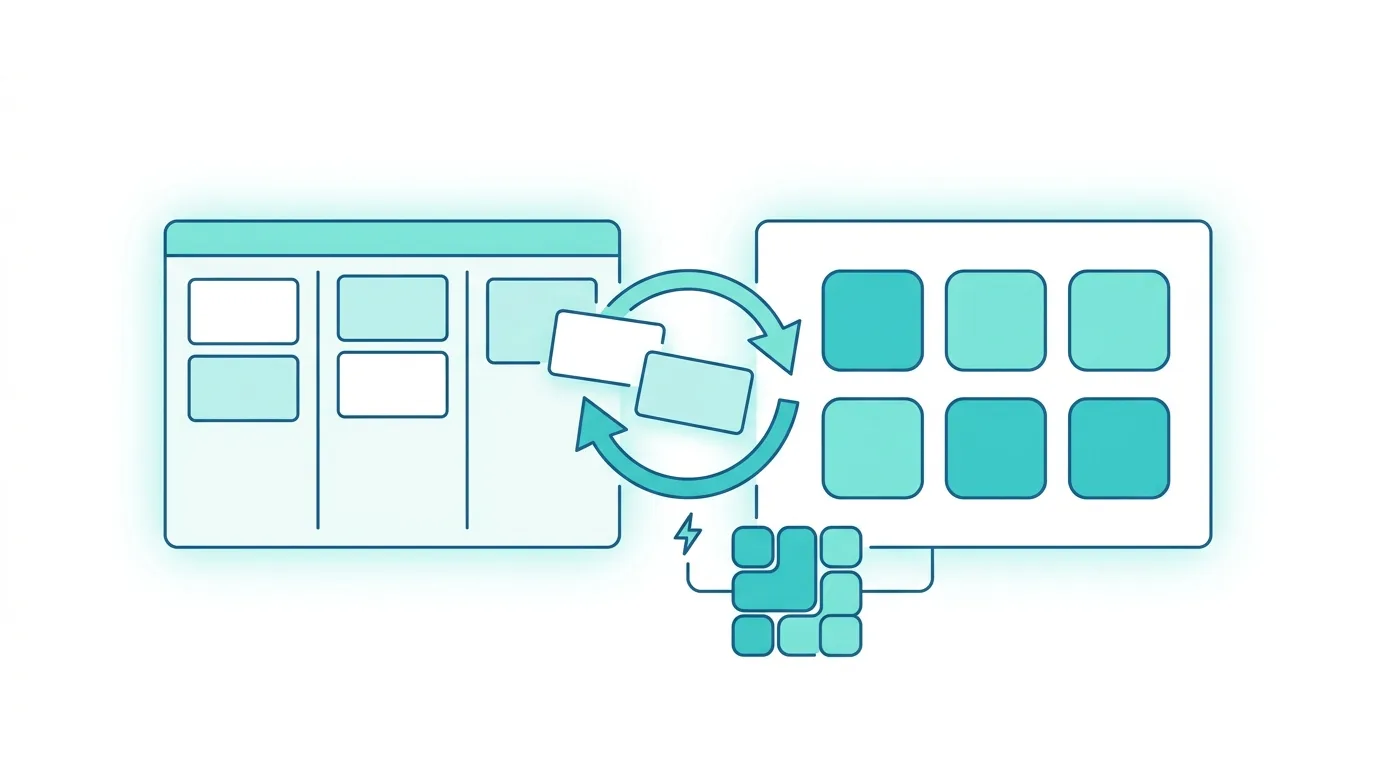
Integrating Asana with Microsoft 365 means connecting a team’s task management tool to the rest of the corporate ecosystem — Forms, SharePoint and Power Automate — without forcing anyone to change how they work. For a regional railway transport company in Lombardy we did exactly that, building an end-to-end flow for internal communication requests: the system is now used by more than 5,000 people.
When a team already uses a tool that works well, asking them to abandon it is the fastest way to stall a project. The company’s Internal Communications team ran its work on Asana — organising activities, assigning ownership, tracking deadlines — and replacing it was off the table. The problem was not Asana: it was everything upstream of it. That is where we intervened, with the same approach we bring to digitising internal requests with Power Apps: leave the team its tools and structure the process around them.
The problem: informal requests, no single channel
Content requests reached the team from across the organisation with no structured channel. A colleague who needed an internal communication — company news, a project update, an operational notice — sent an email, wrote on Teams, or dropped by in person.
The Internal Communications team collected requests however it could: no single archive, no traceability, no way to know how many were in progress or where each one stood. At the end of the process there was no way to measure the satisfaction of whoever had asked for the service, and no consultable history to understand volumes, handling times and recurring priorities. The system did not scale.
The solution: Microsoft 365 as the backbone, Asana as the destination
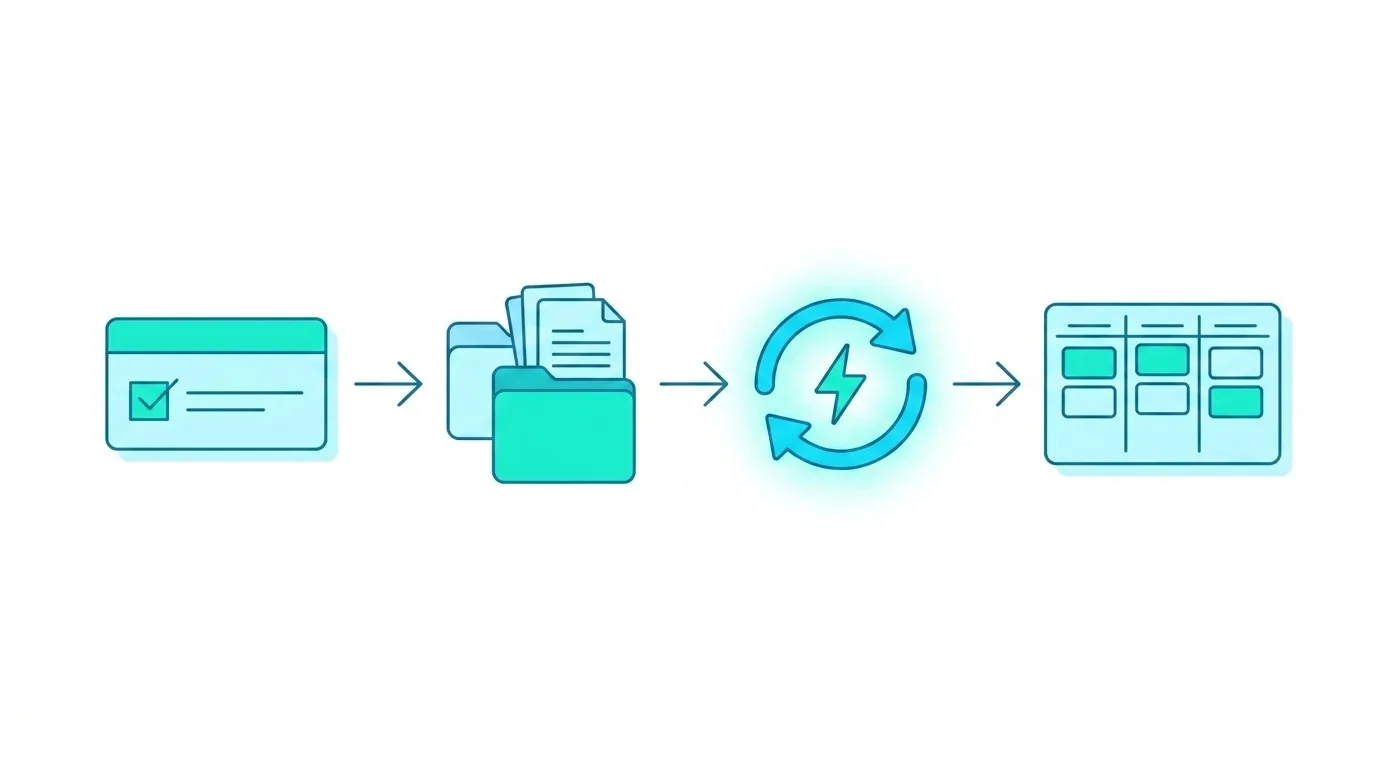
We built a flow covering the full lifecycle of a request — from submission to closure with a satisfaction survey — while keeping Asana as the team’s task management system. The constraint was also the guiding principle: technology adapts to how people work, not the other way around.
Collection and storage
The requester fills in a guided Microsoft Form, accessible from any device with no special system to log into: content type, audience, desired deadline, notes. Power Automate catches every new response and saves it to a SharePoint Online list, assigning each request a unique ID. SharePoint becomes the central system of record — every request passes through here, every field is consultable in one place, on the same principle behind a governed document management system on SharePoint. The unique ID is the key that links later events back to the originating request.
Synchronisation with Asana
Power Automate automatically creates a matching task in Asana, with all the relevant details. The Internal Communications team keeps working in Asana exactly as before — but the tasks arrive already structured, with no manual re-entry. The native Asana connectors included in Power Automate made the integration cleaner than it might have looked.
Closure and feedback
When the team closes the task in Asana, a second Power Automate flow catches the event, updates the request status in SharePoint and sends the requester a satisfaction survey pre-filled with the details of their request. The results flow back into SharePoint for monitoring over time. The most delicate work was not the connection but the design of the status flow and the handling of edge cases — modified tasks, cancelled requests, unsubmitted surveys — the same rigour we apply when pushing Power Automate beyond its limits in approval flows.
The results
The system is now used by more than 5,000 people. That figure says something relevant about usability: a tool adopted by 5,000 users is not a complicated tool. For requesters, the experience comes down to filling in a form, receiving a confirmation and answering a two-minute survey at the end. For the Internal Communications team nothing changes in how they work: Asana is still their hub, with tasks arriving already structured and the full history always available in SharePoint.
The automatic survey has an effect worth flagging: sent at the right moment and pre-filled with the request details, it structurally produces a higher response rate than manual surveys. The data collected becomes a continuous-improvement tool, not a formality.
Who this approach is for
This integration is relevant for any organisation with internal teams on established task management tools — Asana, Jira, Trello — that receive service requests from other departments with no structured channel. The pattern applies to IT, HR, Legal and Marketing teams: anywhere a central function delivers an internal service and needs to collect, track and close requests in a measurable way.
The value is not in imposing a new tool, but in making the ones the organisation already uses talk to each other. If your team receives requests from other departments without a structured channel, we can build a flow that works with the tools you already have, leveraging the AI and Microsoft 365 integrations in your tenant. Contact us for an assessment →

Written by
Mattia Musazzi
Modern Work · Dev4Side