
Paperless Asset Disposal with a Power Apps Workflow
How we digitised asset disposal for a pharmaceutical company with Power Apps, SharePoint and Power Automate: ~50 machines decommissioned through a tracked workflow.
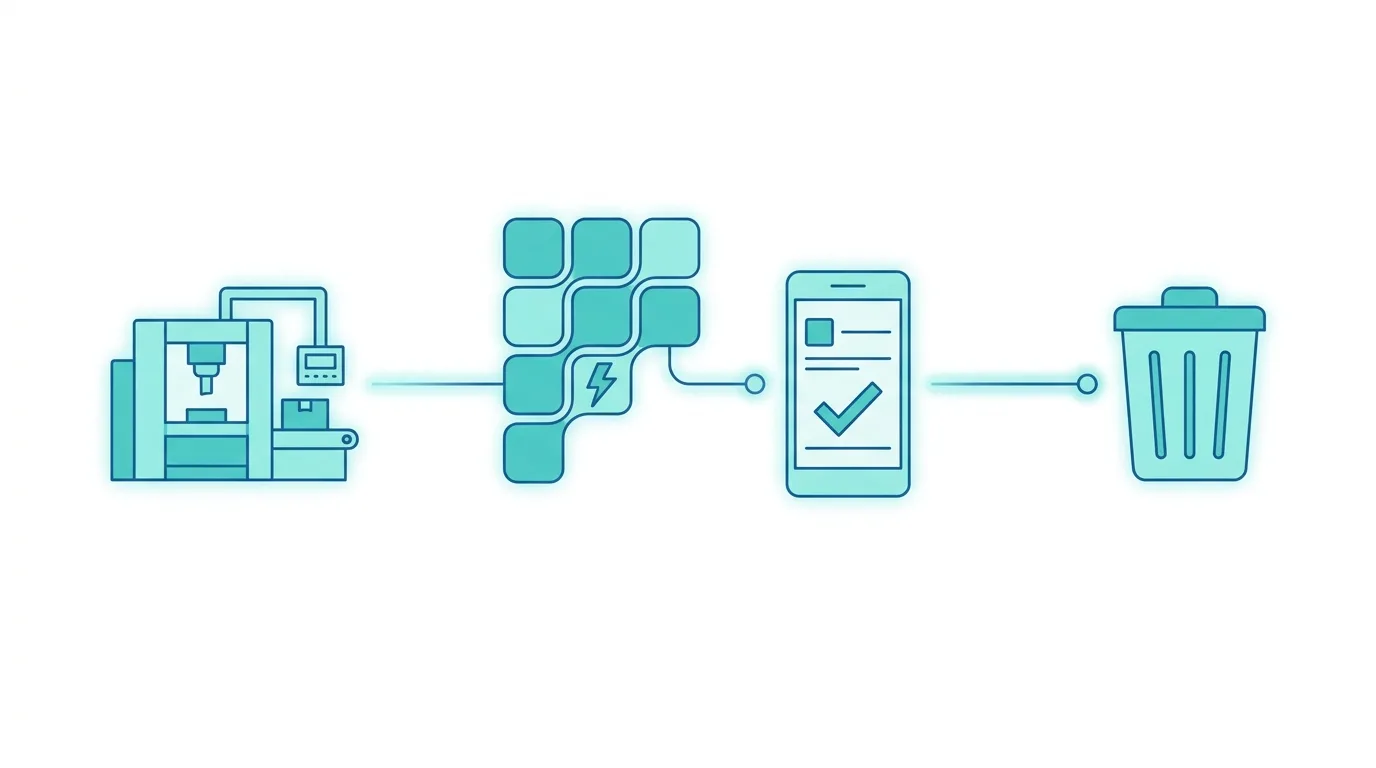
Asset disposal is the formal process by which a company retires an asset from use — a machine, a piece of equipment, a plant — collecting the required approvals and archiving everything for accounting and regulatory purposes. For an Italian pharmaceutical company we moved it from paper to digital with Power Apps, SharePoint and Power Automate: since go-live, around 50 industrial machines have been decommissioned through a tracked flow.
In many manufacturing and pharmaceutical companies asset disposal is still a paper process: physical forms, signatures collected in person, archives that are hard to consult. We changed that pattern in a few weeks with the tools already available in Microsoft 365, using the same low-code approach as managing internal requests with Power Apps.
The problem: an invisible, untracked approval process
When a company disposes of an asset it has to start a formal path: fill in the request, route it to the relevant offices, collect the approvals and archive everything. In a pharmaceutical context, asset traceability has direct regulatory implications. Yet the process was run on paper: forms circulating between offices, signatures in person, physical archives to consult by hand whenever the history of a past disposal was needed.
The practical result was long lead times, zero visibility on the status of requests in progress and dependence on the physical presence of the people in the approval chain. At audit time, or when a manager changed, reconstructing the history of a disposal became a concrete problem.
The solution: Power Apps + SharePoint + Power Automate
The client was not looking for a radical transformation, but for a concrete tool that did one thing well: digitise the request, run the approval flow correctly and archive everything in a consultable way. Simplicity was an explicit requirement — the people who would use the system (department heads, administrative contacts, approvers) are not developers or technology experts. We used three Microsoft 365 tools, integrated with each other.
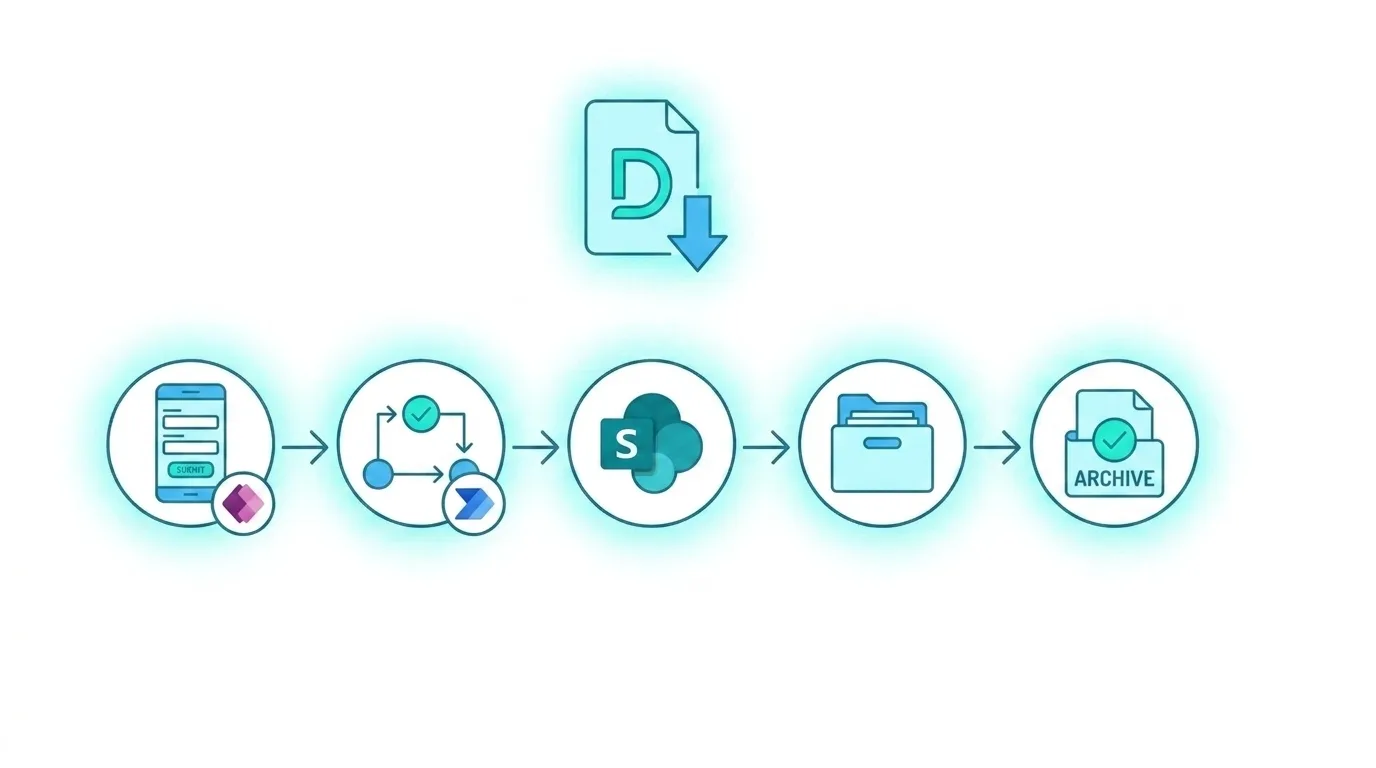
Power Apps hosts the request-entry interface. The form guides the user step by step — asset identification, disposal reason, attached documentation — and is self-explanatory: whoever fills it in does not have to remember procedures, the form guides them.
Power Automate with Approvals runs the whole approval flow. Once the request is submitted, approvers get an email notification with all the details and can approve or reject straight from the email or from Teams, without logging into any extra system. Every step is recorded: who approved, when, with which comments — the same logic behind pushing Power Automate beyond its limits in approval flows.
SharePoint Online archives every request with its attachments and the approval history. The disposal history — which used to live in physical archives that were hard to consult — is now accessible with a search, by whoever has the right permissions.
The results
Since go-live, the system has handled the disposal of around 50 industrial machines. Every disposal is tracked, formally approved, archived in a consultable way. For a pharmaceutical company, where process compliance has direct regulatory implications, that is a concrete change.
Development and implementation time was contained — exactly what had been asked. The simplicity of the architecture allowed a fast go-live, with a short test period thanks to the guided interface that requires no extensive training. It is the same principle behind digitising invoice processing with AI for an adjacent administrative process.
Who this approach is for
The solution is relevant for any organisation with physical assets to manage — manufacturers, laboratories, healthcare facilities, logistics — that still handles disposals on paper or by email with PDF attachments. The Power Apps + SharePoint + Power Automate Approvals pattern is reusable across dozens of similar administrative processes: purchase requests, expense approvals, system-access requests, document onboarding. The structure stays the same, the content changes with the process.
If your organisation still runs approval processes on paper or by email, it often takes just a few weeks to build a tool that works and lasts. Contact us for an assessment →

Written by
Mattia Musazzi
Modern Work · Dev4Side