
SharePoint 2013 to SharePoint Online Migration
How we migrated an Italian company's production document system from unsupported SharePoint 2013 to SharePoint Online, solving the access-identity problem.
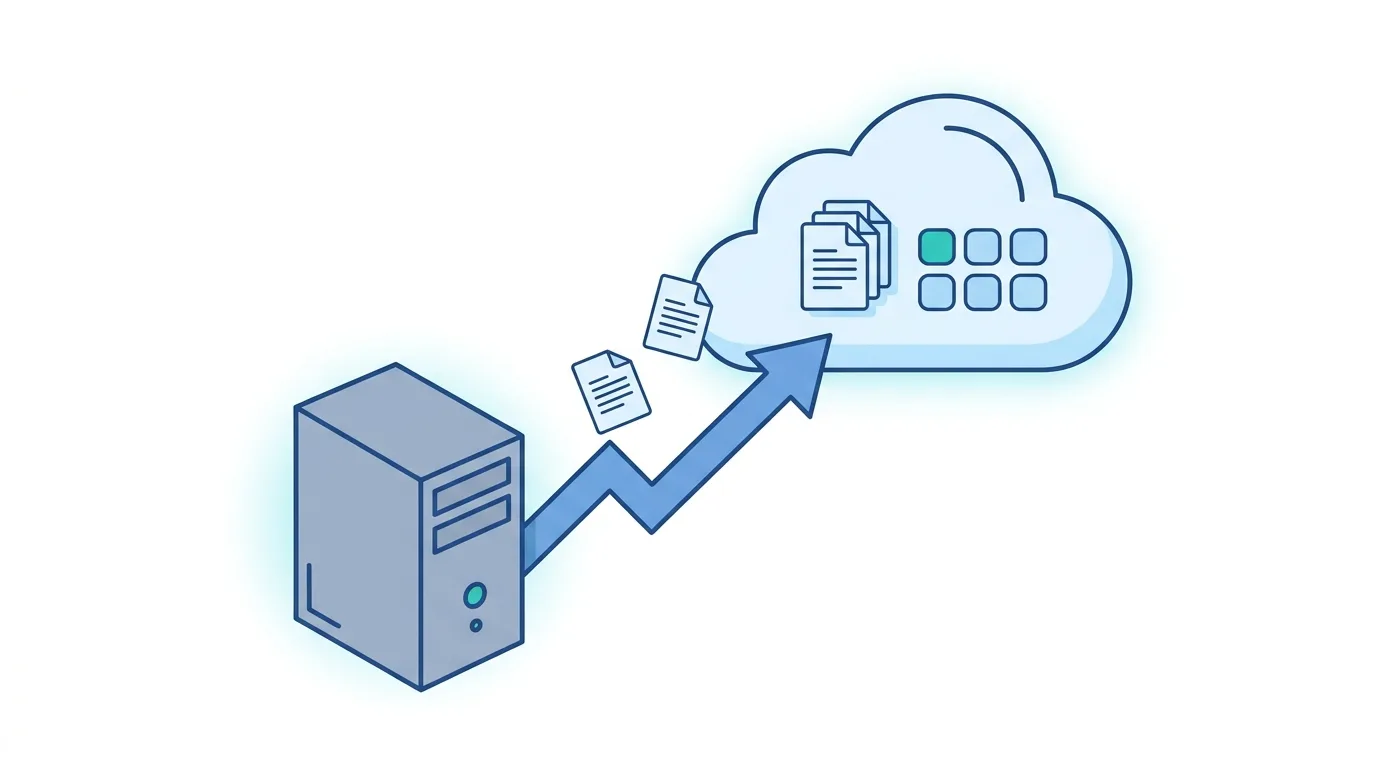
Migrating from SharePoint 2013 to SharePoint Online means moving a document system from an unsupported on-premises platform — one that no longer receives security patches — to a Microsoft-managed cloud environment. For an Italian company in the natural-health-products sector we did exactly that for its production document system, solving the project’s real crux: access identities.
The company runs production lines that require precise, up-to-date technical documentation — machine manuals, operating procedures, data sheets — that operators must consult quickly, at the right moment. When the platform hosting it stopped receiving security updates, migration became a priority that could not be postponed, with the same methodical approach as a Confluence to SharePoint Online migration.
The problem: an unpatchable vulnerability on a production system
For years the document system had lived on SharePoint 2013 on-premises: a platform that had worked, that people knew, with the advanced search needed to find the right document among hundreds of files. The problem surfaced when a security flaw was identified in the installed version — unpatchable, because Microsoft had ended support for that release. The choice was simple: migrate, or expose the production infrastructure to a concrete risk — the same kind of risk you face when a zero-day vulnerability hits SharePoint.
The most delicate part was not data volumes or folder complexity. It was access. The production lines reached the document system through Single Sign-On based on service accounts: shared accounts, configured for automatic login from the workstations, not personal named accounts. A common architecture in manufacturing, where the workstation has its own identity independent of the operator using it. Those service accounts, however, did not exist on Entra ID, SharePoint Online’s identity system. Migrating without solving this would have meant handing over a perfectly migrated system that the lines could not use.
The solution: named identities and Active Directory groups
We solved the problem upstream, at the identity layer. Instead of replicating the service-account mechanism on Entra ID — reintroducing the very governance and security problems we were trying to overcome — we worked with the company to map the named identities of the operators accessing the production lines.
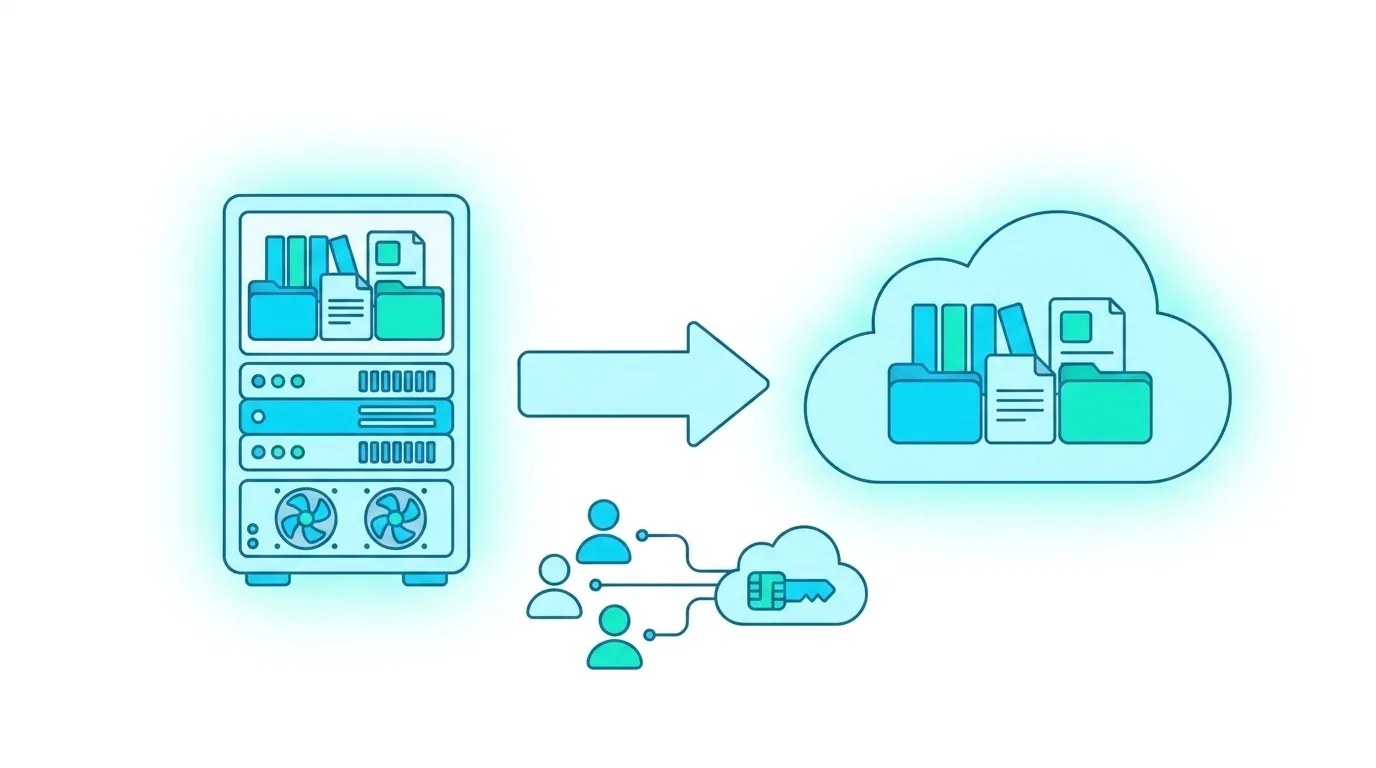
The result was the creation of Active Directory groups with the operators’ named identities, synced to Entra ID. Each operator now has a personal identity that is traceable and centrally managed. Access to the document system goes through these groups, with the same operational experience as before from the end user’s point of view.
On the document side, the migration preserved the advanced search architecture the company used — search by machine category, by production line, by document type — reimplemented on SharePoint Online through metadata columns, content types and search configurations specific to the production context, with the same rigour as a governed document management system on SharePoint.
The results
The SharePoint 2013 system is being decommissioned. The company now runs on SharePoint Online, with all the advantages of a Microsoft-managed cloud platform: automatic updates, security patches applied without manual intervention, scalability and native integration with the rest of the Microsoft 365 ecosystem. The security vulnerability that had triggered the project has been eliminated. Production-line operators access the documentation the same way as before — or with less friction, thanks to authentication integrated with named corporate credentials.
Who this approach is for
The project is relevant for manufacturing and pharmaceutical companies running production technical documentation on out-of-support on-premises SharePoint versions. Especially for organisations where access happens through shared service accounts or shared workstations — a common pattern in environments with production lines, warehouses or operational departments, where named identities have not always been managed systematically. It is the same journey to the cloud as an intranet migration to SharePoint Online, applied to a document system critical for production.
If you still run on-premises SharePoint systems outside Microsoft’s support cycle, we can help you plan the migration with no operational interruption. Contact us for an assessment →

Written by
Mattia Musazzi
Modern Work · Dev4Side