
AI Agent for HR on Microsoft Teams with Copilot Studio
How we cut repetitive HR tickets by 70% with an AI agent for HR on Copilot Studio, integrated in Microsoft Teams and linked to a SharePoint knowledge base.
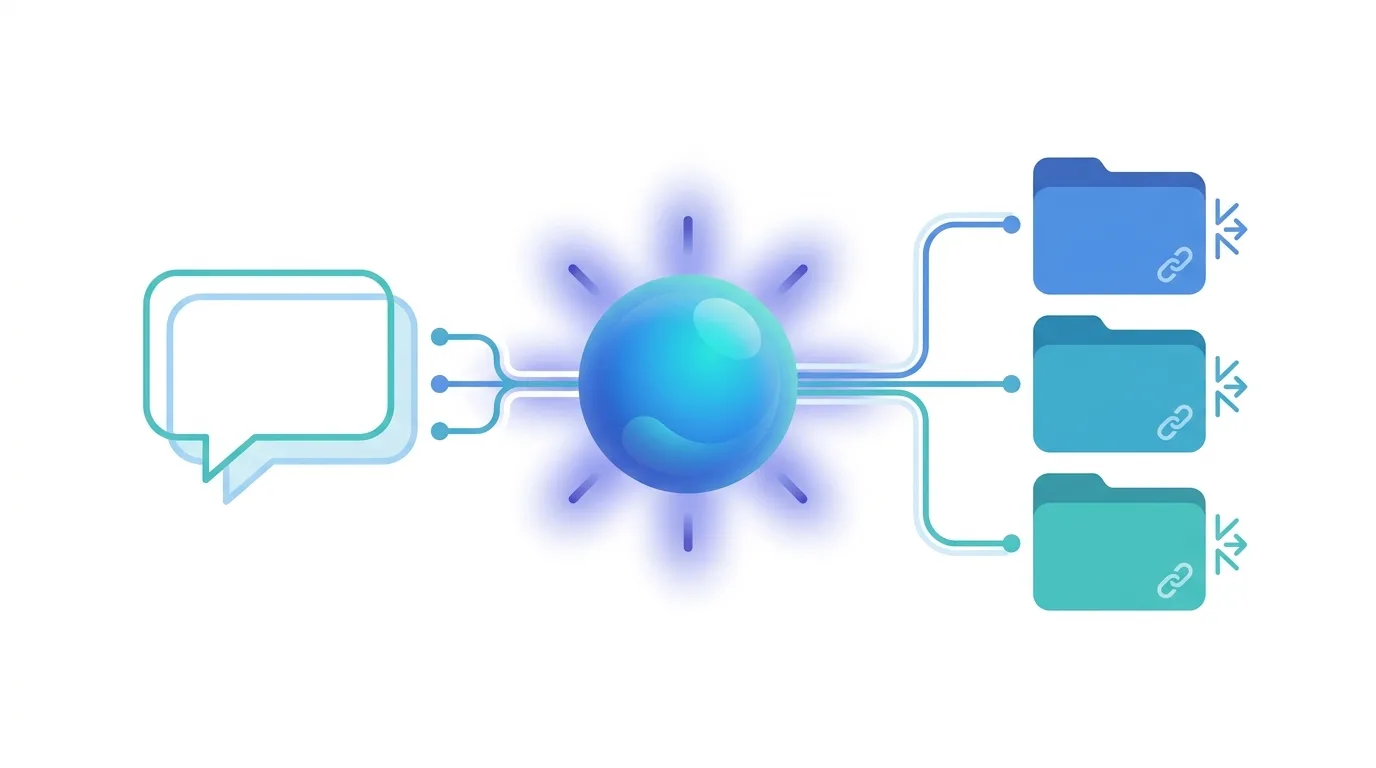
An AI agent for HR is a virtual assistant that answers employees’ questions in natural language — leave, expense reports, time off, benefits — by drawing on company documents and always citing the source. For an international pharmaceutical group we built one on Copilot Studio, integrated into Microsoft Teams and connected to a SharePoint Online knowledge base: the result was the elimination of roughly 70% of repetitive HR tickets.
The company — present in more than 150 countries — had its HR team answering the same questions every week: leave, expense reports, disciplinary procedures, benefits. The answers existed, documented across dozens of files on SharePoint. The problem was the distance between that documentation and the moment an employee actually needed it. We closed that distance with an AI agent built on Copilot Studio, integrated directly into Microsoft Teams.
The problem: the HR knowledge exists, but it’s out of reach
The group’s company guidelines were not missing. The problem was not the documentation — it was accessibility at the moment of need.
Finding a document on SharePoint requires knowing where to look, how it was categorized, which term it was saved under. People working on the production line or in the field have neither the time nor the familiarity to navigate corporate repositories. The easiest path was to open an HR help desk ticket, wait for a reply and receive the quoted policy the next day. A cycle that repeated hundreds of times a month, with different questions but all sharing the same structure: “It’s written in document X, page Y.”
For the HR team the cost was concrete: managing a growing queue of repetitive requests took time away from activities that truly require a human presence — interviews, handling exceptions, complex situations. And for the employee, the slowness of that cycle turned a trivial question into an obstacle: information that should be instant arrived hours, sometimes days, later.
The solution: an AI agent for HR inside Microsoft Teams
We built for the group an AI agent integrated directly into Microsoft Teams — the employees’ main communication channel — so that no one had to learn a new tool: in effect, a Copilot in Teams available to everyone. Not a traditional HR chatbot with preset answers, but an HR virtual assistant, powered by conversational AI, that understands natural language and reasons over company documents. It’s the same principle we apply when we turn a corporate knowledge base into a conversational assistant, as in the RAG chatbot in Teams: technology adapts to how people work, not the other way around.
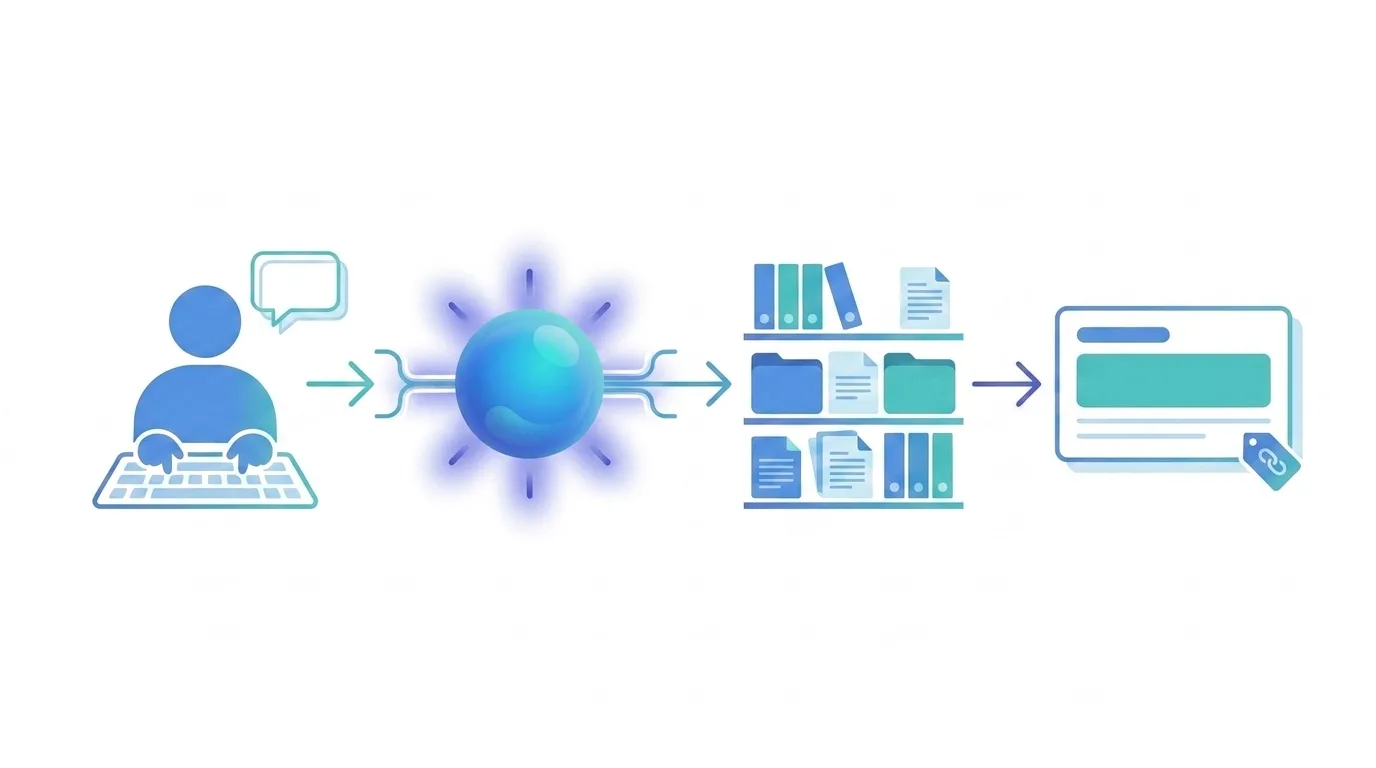
The agent is built on Copilot Studio and connects to the company knowledge base on SharePoint Online: all the HR policy documents, procedures and guidelines. When an employee asks a question in natural language — “How many days of bereavement leave am I entitled to?” or “How does the leave-of-absence request process work?” — the agent searches the documents, builds a coherent answer and returns it citing the exact source. Not a generic link to the document: an answer to the specific question, with the reference to the source policy, that the employee can verify.
How we structured the knowledge base
The quality of an AI agent’s answers doesn’t depend on the model alone: it depends, first of all, on how the knowledge it draws from is organized. An agent working on fragmented, duplicated or ambiguous documents produces fragmented, duplicated or ambiguous answers.
That’s why, before even configuring the agent, we worked with the group on organizing the documents on SharePoint: removing obsolete versions, defining a single source of truth for each policy, structuring content so that every piece of information could be traced unambiguously. It’s preliminary work that is often underestimated, but that delivers value regardless of the agent: a tidy knowledge base is easier to maintain, update and govern over time.
Why citing sources makes the difference
The main technical challenge was making sure answers were precise and not approximate on policies with concrete implications for employees. On a wrong answer about leave or time off, an approximation isn’t an annoyance: it’s a risk.
So we calibrated the agent’s behavior to ground every answer in the documents actually present in the knowledge base, reporting the reference to the source, and to avoid answering when the information isn’t available instead of improvising. Citing sources is not a technical detail — it’s the mechanism that builds trust in the system. When the agent shows which document the information comes from, the employee can verify it, and this significantly increased adoption.
The agent is available 24/7, answers in Italian and English, and requires no specific training: you just type the question the way you would ask a colleague.
Security and data handling
In a pharmaceutical group, data governance is non-negotiable. A key strength of this approach is that the agent lives inside the organization’s Microsoft 365 perimeter: documents on SharePoint are not sent to external services and retrieval happens within the company tenant.
Building the agent on Copilot Studio and SharePoint Online also means inheriting the security controls already in place. The agent respects the access permissions configured on the SharePoint libraries: a user only gets answers from the documents they would be entitled to consult anyway. The sensitivity labels, retention policies and Data Loss Prevention controls already adopted by the organization remain valid, with no need to rebuild a parallel security framework. For a regulated industry, this meaningfully reduces the risk surface and simplifies compliance.
Results
Roughly 70% of the ticket requests for clarifications on HR guidelines were eliminated. Those tickets no longer exist: employees get the answer in real time, without waiting, without someone on the HR team having to interrupt their work.
For HR the gain is twofold: fewer operational interruptions and more time for the activities that truly require a human presence — interviews, handling exceptions, complex situations that a document search can’t resolve. For employees: immediate answers, always available, with the certainty that they come from the official source.
The technology — Copilot Studio and SharePoint Online — is already available within the Microsoft 365 ecosystem. It requires no additional infrastructure and does not move data outside the company perimeter: the value comes from making the most of tools the organization, very often, already has licensed.
Who benefits from this approach
This kind of solution is relevant for organizations with an HR, Legal or Finance team that handles repetitive questions on existing documentation — policies, procedures, internal regulations — and that has a knowledge base already structured but hard for end users to navigate.
The case is particularly relevant for companies with a distributed workforce, geographically spread or across multiple shifts, where synchronous HR support isn’t always available and documentation is the only accessible reference: think of people working in a plant, in a store or on the road, far from a desk and from an HR colleague to ask. Bringing AI into HR, in this sense, doesn’t mean replacing HR people: it means freeing them from repetitive questions and giving them back time for high-value work. And AI agents aren’t a tool useful only to HR: the same model — a form of HR automation that scales — is replicable across any function with a documental knowledge base on SharePoint: IT, Legal, Finance or Operations.
If your HR, Legal or Finance team handles repetitive questions on documentation that already exists, you’re probably paying a hidden cost in time and operational interruptions that an AI agent integrated into Microsoft 365 can eliminate. Contact us for an assessment →

Written by
Mattia Musazzi
Modern Work · Dev4Side