
Microsoft Dynamics 365 vs. Quickbooks: a comparison
Microsoft Dynamics 365 vs QuickBooks: a comparison between features, limitations and advantages to choose the most suitable accounting software for business growth.
.png)
Microsoft Dynamics 365 vs. QuickBooks: Introduction
Microsoft Dynamics 365 vs QuickBooks is the comparison between Microsoft’s enterprise ERP/CRM platform and Intuit’s small-business accounting software. QuickBooks (from $35/month) handles bookkeeping, invoicing, payroll, and tax for companies under ~50 employees; Dynamics 365 Business Central (from €70/user/month) handles full ERP — finance, supply chain, inventory, project management — for growing mid-market companies that need Microsoft 365 integration.
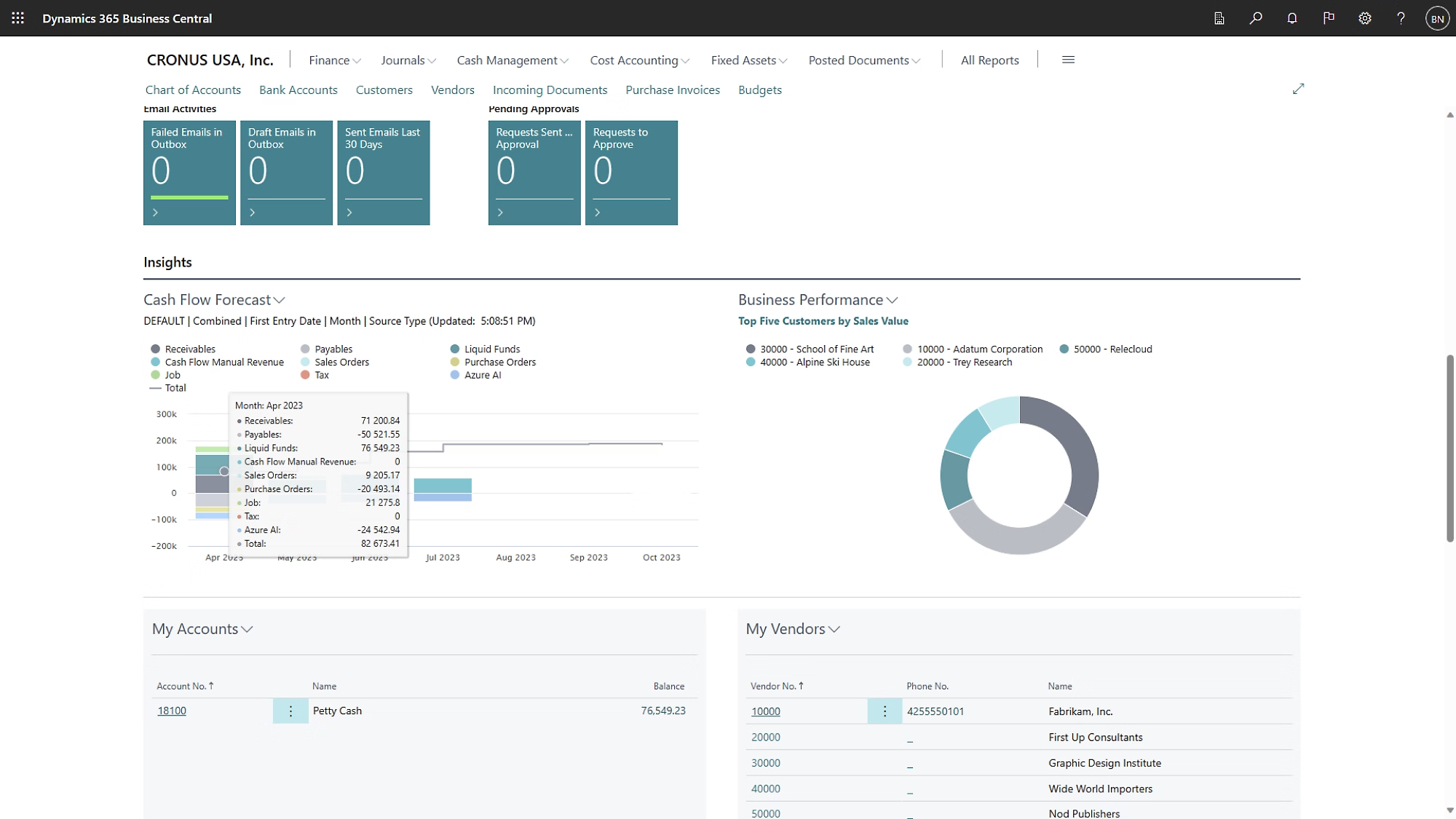
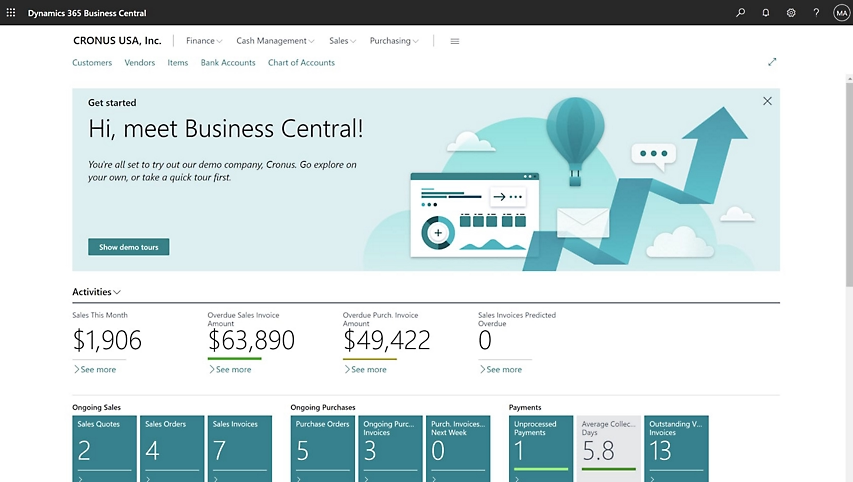 Microsoft Dynamics 365 Homepage
What are Quickbooks and Dynamics 365
In this context, it is essential to understand your company’s basic requirements in order to choose a practical and effective solution. Before comparing the features, tools, and capabilities of Business Central and QuickBooks, it helps to get to know them better. So let’s look at them individually.
Intuit Quickbooks
QuickBooks is an accounting software platform that teams can use to manage income and expenses, as well as to monitor the company’s financial health. QuickBooks is owned by Intuit and has been available for a long time — already in 1983 Intuit launched a product called ‘Quicken’.
The platform offers a suite of products particularly suitable for freelancers, start-ups and small businesses. With the included tools, teams can issue invoices to customers, pay bills, generate invoices and other financial reports, prepare tax returns, and more.
The platform also offers different distribution options to adapt to business needs, even allowing data to be transferred from a public server to a private one, when necessary.
It is available in different versions, designed to meet the needs of various types of companies:
- QuickBooks Online Plus
- QuickBooks Enterprise
- QuickBooks Premier
- QuickBooks Accountant
As one of the most popular accounting software, QuickBooks offers a series of tools and features that help businesses effectively manage their finances.
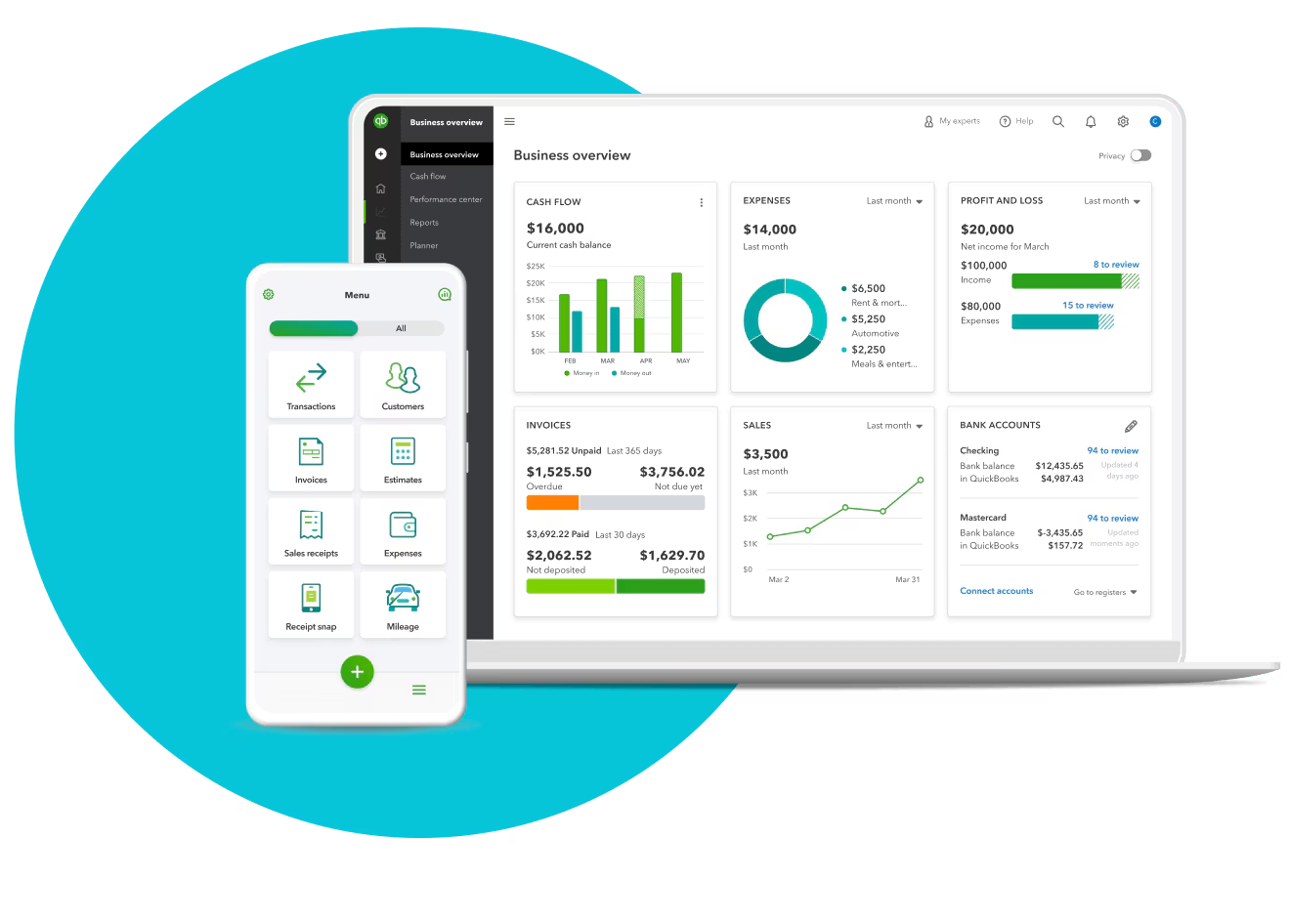 QuickBooks Homepage on multiple devicesBusinesses can create flawless invoices and send them to customers through different channels, such as email and SMS, using QuickBooks. The app offers six predefined invoice templates to choose from. The templates are fully customizable, so you can add logos and change colors in line with the company branding.
Organizations can also include links to bank transfers and other payment gateways in their documents, thus accelerating the collection process and offering a smoother customer experience.
QuickBooks also provides several tools that make monitoring and managing expenses a simple and efficient activity. Businesses can view critical data such as total sales, total expenses, total revenues, and tax breakdown directly from the QuickBooks dashboard, thus improving financial management. The QuickBooks mobile app also allows users to photograph receipts: the app automatically matches images to existing transactions, saving valuable time.
Finally, the Intuit product offers a payroll management function (Payroll Management) that simplifies personnel management, available at an additional cost compared to the basic subscription and with which companies can easily calculate salaries, deductions and taxes for each employee.
Microsoft Dynamics 365
Microsoft Dynamics 365 is a Customer Relationship Management (CRM) and Enterprise Resource Planning (ERP) application used by companies to improve operational efficiency. It is a complete and integrated suite of fundamental applications that meets the needs of various business areas. The platform saves users a lot of time, eliminating the need to use different applications to carry out different business activities.
It is a Software as a Service (SaaS) solution adopted by companies of all sizes around the world. It is part of Microsoft’s range of business applications and offers numerous tools and functionalities to manage CRM, ERP activities and automate various processes, such as accounting, in order to increase the efficiency and scalability of business operations.
Microsoft launched this platform in 2016, integrating Dynamics 365 AX and Dynamics 365 CRM applications to provide an enhanced user experience. Microsoft Dynamics 365 includes Artificial Intelligence capabilities that help companies obtain quick and concrete insights.
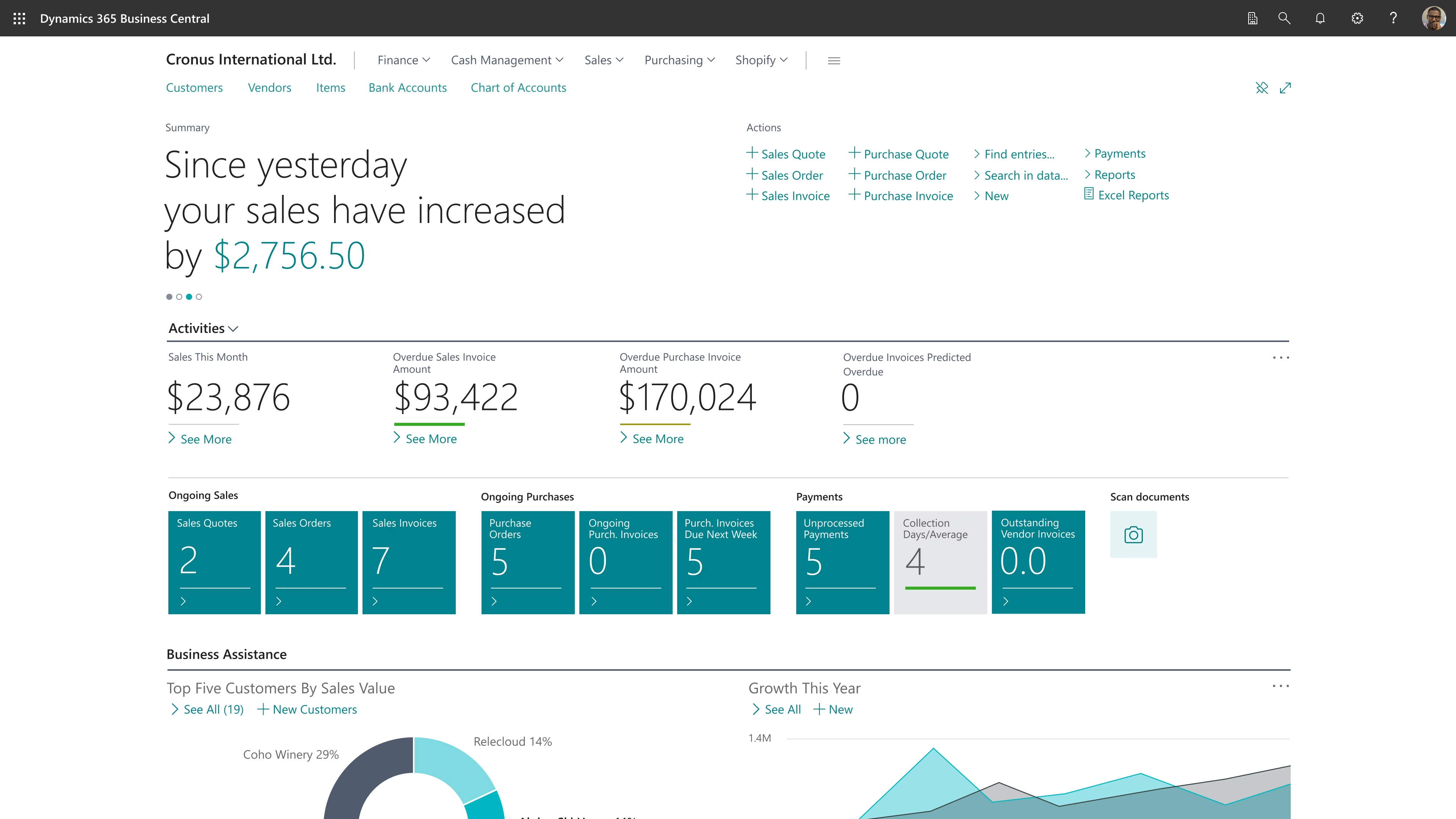 Microsoft Dynamics 365 accounting pageWith Dynamics 365, companies can easily keep track of every interaction, action, and customer history thanks to the function Activity Log. The platform simultaneously analyzes the collected data to show relevant suggestions and recommendations to users, thus helping them to offer a better experience to their customers.
Dynamics 365 also offers native integration with applications Microsoft 365, making it an extremely flexible and scalable tool. The application is highly secure and reliable, being based on the Microsoft Azure platform.
Microsoft regularly updates the platform, introducing new features and tools to make it increasingly intuitive and easy to use. In addition, it can also be integrated with security systems such as Microsoft OMS, to minimize the risk of breaches of sensitive customer information.
Many of the world’s leading companies, including Coca-Cola, HP, BMW, Adobe, Delta, and many others, use Microsoft Dynamics 365 to meet their business needs.
Business Central is the most relevant Dynamics 365 application for most companies that are comparing QuickBooks with Dynamics 365 solutions, and that’s what we’ll focus on in the next few sections.
Quickbooks Strengths and Weaknesses
Now let’s move on to the direct comparison between the two, starting to see strengths and weaknesses of the Intuit product. Let’s start with the pros:
- Simplicity: One of the strengths of QuickBooks is its ease of configuration and use. On the contrary, to successfully implement Business Central, you need the help of an experienced Dynamics 365 partner. This also means that the installation costs and time required for QuickBooks are significantly lower.
- Large user base: Another strength of QuickBooks is its long presence on the market and its share among small businesses (80% in 2024). It’s hard to find an accountant with experience in the small business sector who has never used QuickBooks. The support, public knowledge, and community surrounding the product are very strong. This can help you further reduce training costs.
- Integrated management of salaries and payments: Compared to Dynamics 365, QuickBooks has two additional key advantages: integrated payroll management and time tracking. Although Dynamics 365 Business Central offers several apps to meet both needs, configuring them requires more work (and the assistance of a Business Central partner). QuickBooks also offers an integration with Excel, which is very useful for many accountants.
It should be noted that although QuickBooks is primarily an accounting solution, it also includes some functionality related to supply chain and inventory management, sufficient for businesses with simpler needs.
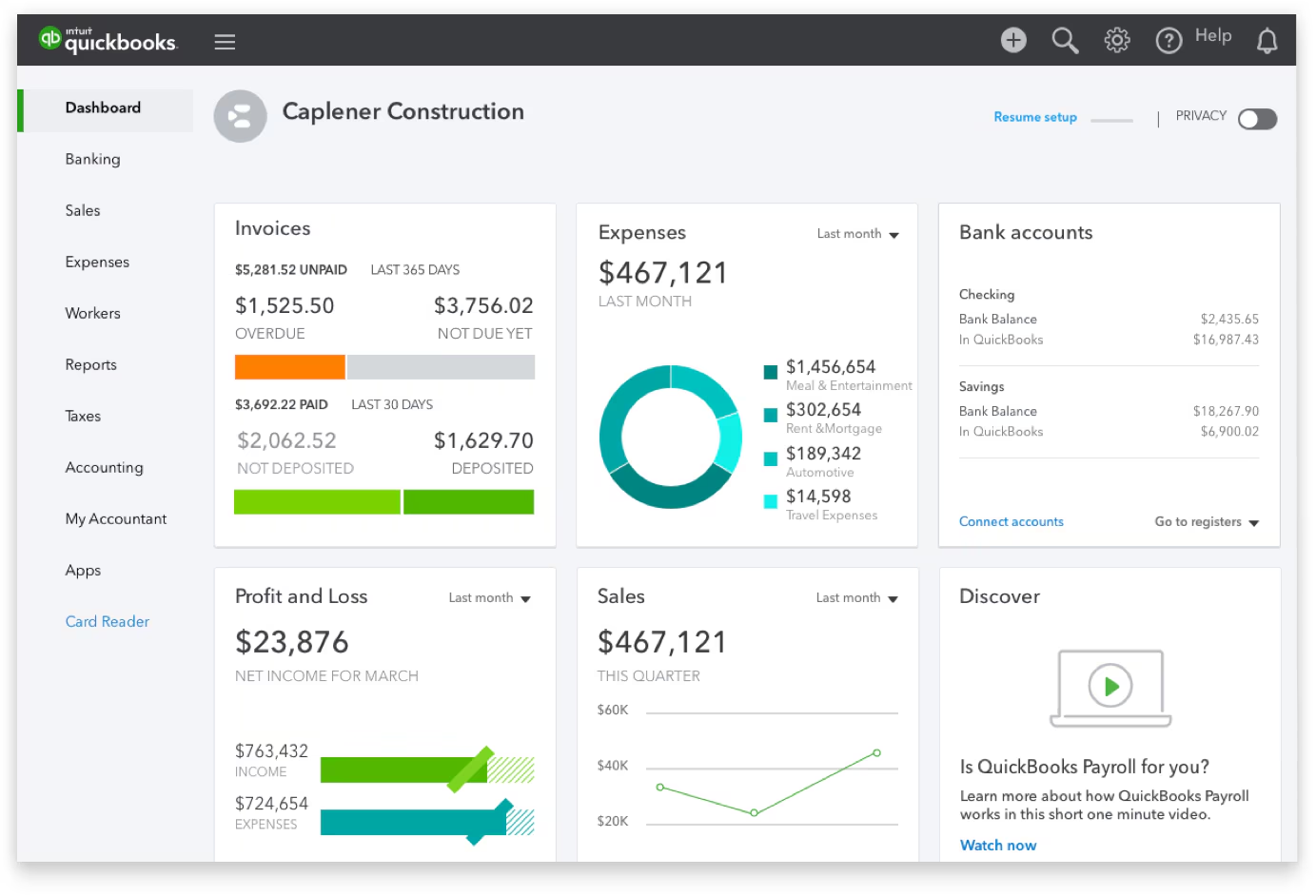 QuickBooks Dashboard
Weaknesses of Quickbooks
Despite its strengths, QuickBooks is generally only suitable for simple, small, or “micro” businesses that are not growing significantly. It doesn’t offer the full range of functionality needed by many SMBs or expanding businesses.
Some of its most serious deficiencies include:
- Weak user roles and security options: It’s too easy to make mistakes or allow users to access data they shouldn’t have access to.
- Not robust change traceability: There is no log of access/disconnections, nor a history of changes made to the main data.
- Limited functionality for inventory and production: As Intuit itself states, “QuickBooks solutions are not ERP.” Companies that manage a large number of physical products often have to resort to manual entries, Excel sheets, and makeshift solutions.
- Automation limited to simple reminders: The automation options offered by QuickBooks are limited to generating reminders, without providing complete workflows. This may seem like a negligible detail for a small business, but if you aim for growth, it means that more and more staff time will be dedicated to manual operations.
- Limited or impractical reporting options: It requires a lot of effort to extract data from QuickBooks in a format useful for making decisions. In the operational reality, you can’t afford to wait a week for someone from the accounting or IT department to prepare a financial or inventory report. These weaknesses can make businesses that use QuickBooks vulnerable to losses due to errors, wasted time, and even internal theft.
In general, QuickBooks It’s not very scalable. If your company is growing, has expansion plans or has already grown, you will find that the limitations of QuickBooks force you to dedicate more and more time to manual entries and alternative solutions. The capabilities for managing multiple businesses and multiple currencies are both lacking.
The main advantages of Dynamics 365 Business Central compared to Quickbooks
Compared to QuickBooks, Business Central has 5 main strengths:
- Comprehensive and integrated ERP capabilities, which cover not only accounting, but also supply chain, production and service management.
- Adaptable and scalable to meet today’s specific business needs and grow with your company in future years.
- Linked to Microsoft tools such as Outlook, Excel, Teams and Copilot. For example, you can issue invoices to customers directly from Outlook, easily export and import data from Excel, and share information in Teams.
- Faster and more detailed reporting within the system, with the possibility of further expanding the functionality with Power BI.
- Automations with advanced workflow capabilities within Business Central and a wide range of connections to other applications, including Power Automate. Overall, Business Central isn’t simply the equivalent of Microsoft’s QuickBooks: it’s an actual ERP for the mid-market. It’s not just another ‘bundle’ of functionality: it’s a platform on which you can add, configure and modify features to suit your needs.
Business Central adapts very well to growth, reduces manual labor through automation, and integrates with the entire ecosystem of Microsoft business applications. For many businesses wondering ‘what to do after QuickBooks’, Dynamics 365 Business Central is the right choice.
THEAudit Trail of Business Central is much more robust, better protecting businesses from internal errors and theft. For example, in Business Central, users must cancel canceled transactions rather than delete them (either accidentally or intentionally). This ensures that there is a valid trace of the changes.
Dynamics 365 Business Central also has a great advantage over QuickBooks, as it is integrated with the rest of the Microsoft ecosystem. If you’re using Microsoft Outlook, Teams, Excel, or any other Microsoft product, you might be impressed by the ease of use and how data flows smoothly between applications.
 Features of Microsoft Dynamics 365For example, you can create quotes and invoices directly within Outlook or even use advanced reporting options with Power BI, create customized low/no-code apps through Power Apps and take advantage of Copilot to predict late payments, etc.
There are also more than 6,000 Microsoft-verified apps for Business Central, designed to meet particular industrial, business process, or technical needs that may not be part of the core functionality of Business Central.
Compared to QuickBooks, this makes Business Central more complex and comprehensive than may be necessary or useful for very small or simple businesses, especially those that have no plans for growth or change in the next 1-3 years. Implementing Business Central is a significant investment in terms of time and money, and only businesses of a certain size and complexity will see a return on investment (ROI).
About the latter, let’s see what the experts say.
Forrester’s study on the ROI of Dynamics 365 Business Central
According to a Forrester study, companies that switched to Business Central experienced an average ROI of 265 percent over three years. This impressive ROI is due to several factors, including savings in personnel costs, improved operational efficiency, and reduced expenses for third-party reporting tools.
Companies also reported a 12-15% increase in productivity for staff, allowing finance, sales and operations teams to do more without the need for additional hires.
It should be noted that Forrester’s research method is based on a “composite company” with an annual revenue of 15 million dollars and 150 employees. The ROI and efficiency improvements for your company would naturally depend on your company’s size and specific situation.
Companies of the right size and complexity to benefit from Dynamics 365 Business Central are able to take advantage of integrated automation and connections with other Microsoft tools to improve user productivity and simplify processes. In addition, the integration of powerful reporting and analysis tools, such as Power BI, can eliminate the need for expensive external reporting services, and better empower your leaders.
In general, moving to Business Central can not only provide financial benefits, but also position your business for sustainable growth and efficiency improvements in the future.
Microsoft Dynamics 365 vs. Quickbooks: when to choose one of the two
So let’s get to the age-old question: which one to choose?
If your business is efficient and you don’t expect substantial growth in the next 1-3 years, it’s okay to stay on QuickBooks. It’s an ideal solution for small businesses that only need accounting functionality.
On the other hand, if you are facing or planning a significant expansion, or if you find yourself losing time and visibility due to the limitations of QuickBooks in terms of reporting, data entry, audit trails, etc., your business may be a good candidate for Dynamics 365 Business Central.
Overall, the win would go to Dynamics 365 Business Central for most companies that turn to teams like Dev4Side for help and advice. However, there are a few scenarios where you might decide to choose QuickBooks:
- Your company has five or fewer employees.
- You only have one or two employees in accounting (and you intend to keep it that way).
- Significant time isn’t being wasted due to limitations on reporting and automation in QuickBooks.
- Your accountant is an expert in QuickBooks and you are willing to continue training on new versions of QuickBooks instead of learning a new tool.
You should probably choose Microsoft Dynamics 365 Business Central if:
- You have plans for significant growth for your company or for expansion into new product lines or countries.
- You are doing a lot of manual operations and data entry to carry out activities with your current system (QuickBooks or others).
- A strong value is placed on the reporting capacity of a system.
- You want your information to be easily auditable.
- Security is a concern for your business.
- You want to achieve efficiency gains by truly integrating your accounting solution with Outlook, Teams and the rest of the suite Microsoft Office.
Conclusions
Overall, Microsoft Dynamics 365 Business Central is a complete ERP solution, not just accounting software. Compared to QuickBooks, this makes Business Central more complex and comprehensive than may be necessary or useful for very small or simple businesses, especially those with no plans for growth or changes in the next 1-3 years.
However, if you have wider goals for your business and you want to have a complete and functional ERP, Dynamics is the best choice you can make for your operations, accounting or not.
And there’s no better time to choose it: the market has exponentially lowered the cost of business software to the point that it no longer makes sense to continue to suffer with systems that don’t work as they should.
Business Central is inherently a scalable, multidimensional, multi-user, SAAS-based ERP environment. ERP offers AI-based automations, seamless integrations, integrated reports, and flexible distribution. So, if the limitations of QuickBooks have fed us up and we’re wondering “what software should I use now?” there is only one smart choice: Business Central.
FAQs about Microsoft Dynamics 365 vs. QuickBooks
1. What is the main difference between QuickBooks and Dynamics 365 Business Central?
QuickBooks is primarily an accounting software designed for simple needs and very small businesses. Dynamics 365 Business Central is a full ERP: beyond accounting, it covers processes such as supply chain, services, inventory and, in some cases, manufacturing, offering greater scalability and governance.
2. Is QuickBooks an ERP?
No. QuickBooks was created as an accounting solution. It may include some inventory and operational management features, but it does not provide the typical ERP coverage, such as end-to-end integrated processes, advanced audit trails, structured workflows, and complex inventory or manufacturing management.
3. Is Dynamics 365 Business Central too much for a small business?
It can be, if the company has simple processes, few users, and no plans for growth over the next 1–3 years. Business Central generally requires a more structured implementation, often with the support of a partner, and a higher initial investment than QuickBooks.
4. Which is easier to implement and use: QuickBooks or Business Central?
QuickBooks is usually faster to deploy and easier to use for small teams. Business Central requires configuration and setup, with higher project time and costs, but delivers greater value as processes and organizational complexity increase.
5. How do security and access control differ between QuickBooks and Business Central?
Dynamics 365 Business Central provides more robust management of roles, permissions, and operational traceability through a structured audit trail. QuickBooks is lighter in this area, with a higher risk of errors or inconsistent access in environments with multiple users and differentiated responsibilities.

Written by
Federico Terranova
Modern Work · Dev4Side
Dev4Side Software · Microsoft Gold Partner
Need help implementing this in your company?
Our specialist teams have delivered 200+ Microsoft implementations across Italy. Contact us for a free, no-obligation evaluation of your project.
Related articles
Microsoft Purview Compliance Manager: Compliance without complications
Discover Microsoft Purview Compliance Manager, the tool that can help your company to easily meet compliance requirements.
Microsoft Security Awareness Training: all the official resources
Discover the official Microsoft resources for Security Awareness Training and how to strengthen the company's security posture starting with employees.
Microsoft Defender for IoT: what is it and how it works
An introductory overview of how Defender for IoT can help your company secure its industrial networks and critical infrastructure.