
Microsoft Purview Information Protection Pilot in Banking
How we launched data classification and protection for an Italian bank with a Microsoft Purview pilot in ~7 weeks, without stopping day-to-day operations.
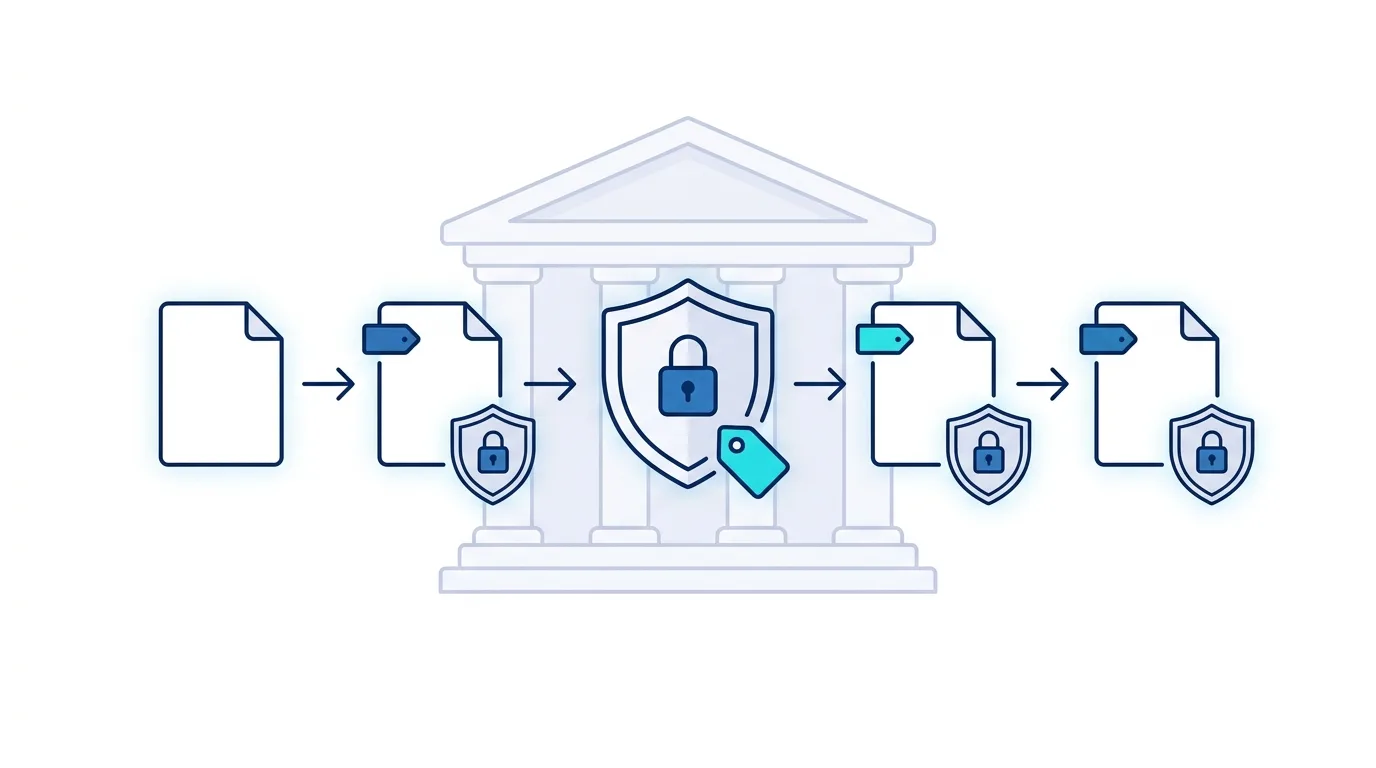
Microsoft Purview Information Protection is the solution an organisation uses to classify and protect sensitive data inside Microsoft 365 — inside and outside Microsoft 365, with sensitivity labels and encryption that follow the document, plus sharing and access controls applied to sites and teams. For an Italian banking institution we launched it with a structured pilot of about seven weeks, without stopping the teams’ daily operations.
The client had an active Microsoft 365 environment (SharePoint Online, OneDrive for Business, Teams) used daily by teams across multiple sites. As in many financial organisations, the cloud infrastructure had existed for years, but without a structured criterion to tell which content was sensitive and who could share it. It is the same starting point from which you can increase compliance with SharePoint: the technology is there, the governance has to be built.
The challenge: protecting data without slowing the teams
In banking, data protection is not optional: it is a matter of regulatory compliance, and every uncontrolled share of sensitive information is a concrete risk, not a theoretical one. The client had three precise needs: automatically classify the documents already moving through the cloud, proactively protect sensitive data without imposing manual procedures on teams, and gain visibility into how information was being shared, internally and externally.
Why a pilot project
Faced with a change that touches a bank’s entire document infrastructure, precisely estimating the time and cost of a full deployment is nearly impossible without knowing the existing environment in depth. So we proposed, as we usually do in contexts of this complexity, a pilot project: a controlled perimeter to validate the technology, surface the problems an assessment alone would not reveal and reach production with an accurate plan instead of a hypothesis.
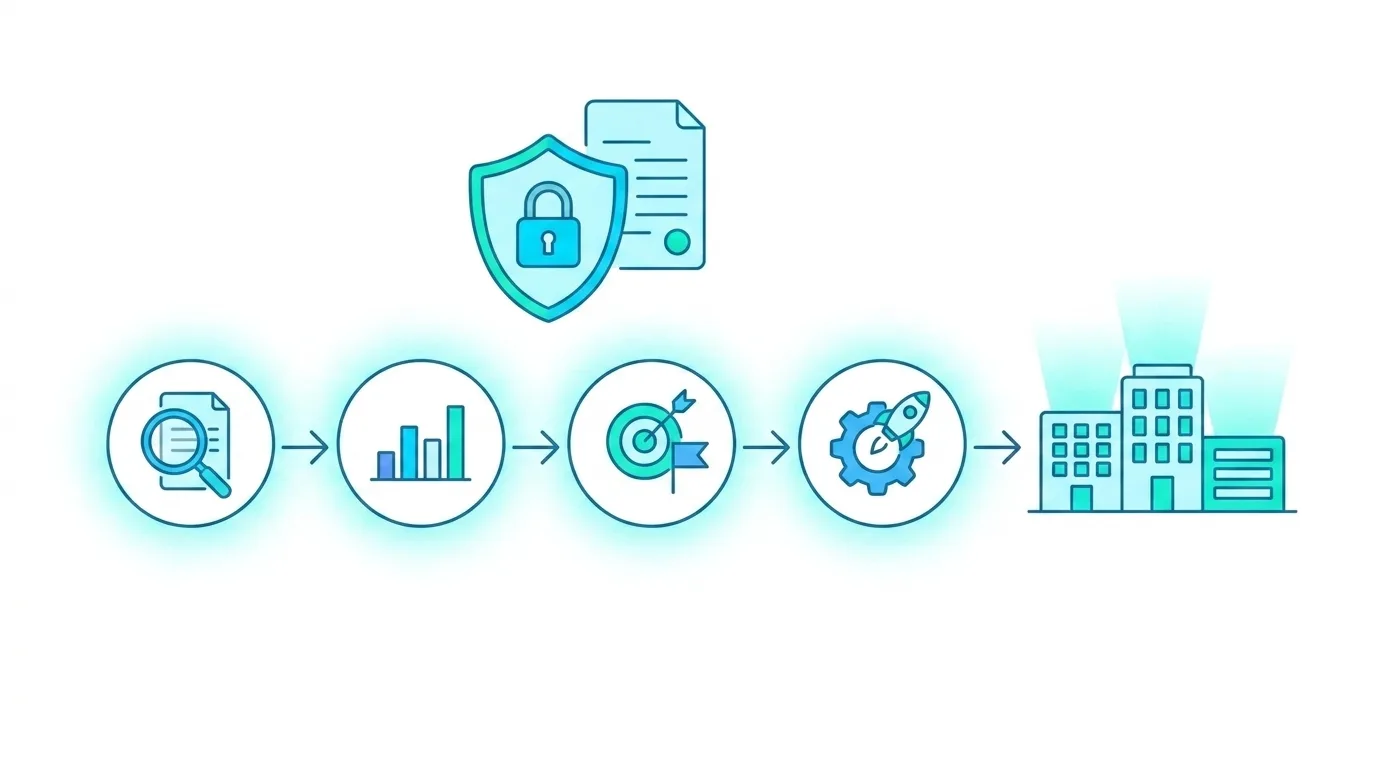
The solution: four phases in about seven weeks
In the Assessment phase we analysed the cloud services in use, mapped the existing data flows and reviewed the policies already in place, gathering the teams’ business needs and expectations through an internal survey.
In the Analysis phase we processed the collected data, prepared the documentation and defined the protection requirements actually needed, distinguishing between local repositories, interactions with external parties and security requirements specific to the structure. The pilot covered the cloud perimeter. On-premises repositories were left out of the pilot and should be addressed in the extension phase, with the Microsoft Purview Information Protection scanner.
In the Strategy Definition phase we built the labeling framework (four levels, from Public to Confidential, plus a Custom category for specific needs) with auto-labeling rules based on content (sensitive information type) and with default labels applied to SharePoint document libraries based on location, associated encryption and sharing controls (for sites and teams, via labels applied to the container: privacy, sharing with external users and access from unmanaged devices). In parallel we defined the cloud DLP policies: external-sharing controls, access limitations, activity monitoring and an alert system. It is the same document-governance principle behind managing regulations with SharePoint and Syntex.
In the Deployment phase, the most extensive, we started from preparation (creating the labels, setting up the cloud rules, configuring the security groups) then activated the policies on a subset of users, validated the features and finally proceeded with a gradual department-by-department roll-out across the pilot’s perimeter, with continuous monitoring.
The licensing prerequisite
Automatic labeling depends on the license. Sensitivity labels with manual labeling are included in Microsoft 365 E3 and in Business Premium. Auto-labeling, both client-side and service-side (SharePoint, OneDrive, Exchange), instead requires E5-level licenses or the E5 Compliance and Information Protection & Governance add-ons. Checking this during the Assessment phase avoids discovering halfway through the project that part of the strategy cannot be activated.
Project governance
A project like this is not decided by technical configuration alone. We structured the involvement of four teams: the Security Team for governance and oversight, the Microsoft 365 team for configuration and deployment, the Compliance Team to ensure adherence to regulatory requirements, and the business-unit leads for functional validation at every phase.
The pilot’s results
The value of a pilot structured this way is measured not only by its technical outcome but by the reduction of risk for the next steps. Every phase of the wider production deployment builds on an assessment already done, a strategy already validated with key users and governance already road-tested, not on assumptions. Being a pilot on a controlled perimeter of users and departments, it does not produce production KPIs: its purpose is to reach full roll-out with an accurate plan and a classification-and-protection framework already tested in the field, reducing the risk surface before an incident is left to set the priorities.
Who this approach is for
The model is relevant for organisations in regulated sectors (banks, insurance, healthcare, utilities) that have an active Microsoft 365 environment but not yet a structured data-classification and protection strategy. The pilot is particularly suited when the document infrastructure is large and complex, and a black-box deployment would carry risks and costs that are hard to estimate in advance.
If your organisation handles sensitive data in Microsoft 365 and does not yet have a classification and protection strategy, we can help you start from a pilot, not a black-box project. Request a free assessment

Written by
Emanuele Rossi
Infra & Security · Dev4Side